
WHAT IS IT?
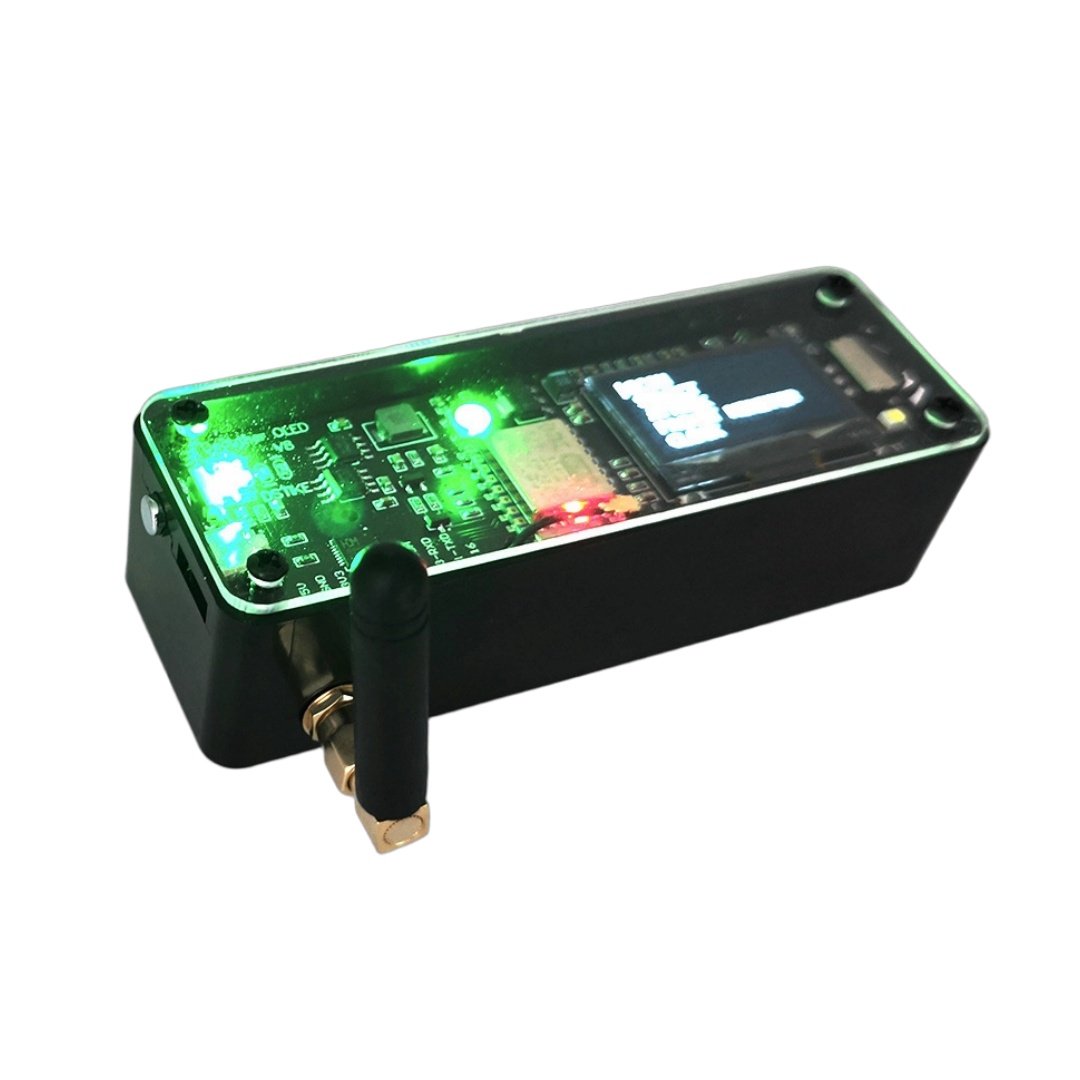
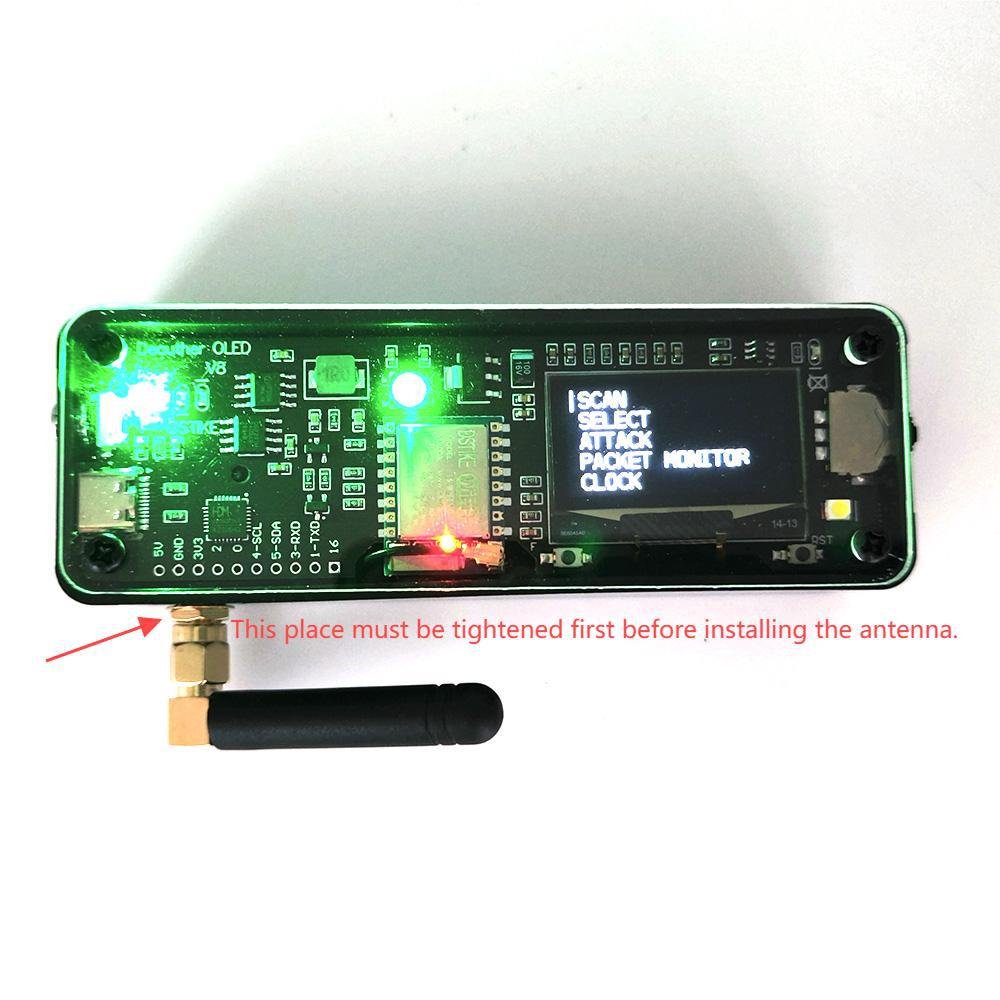
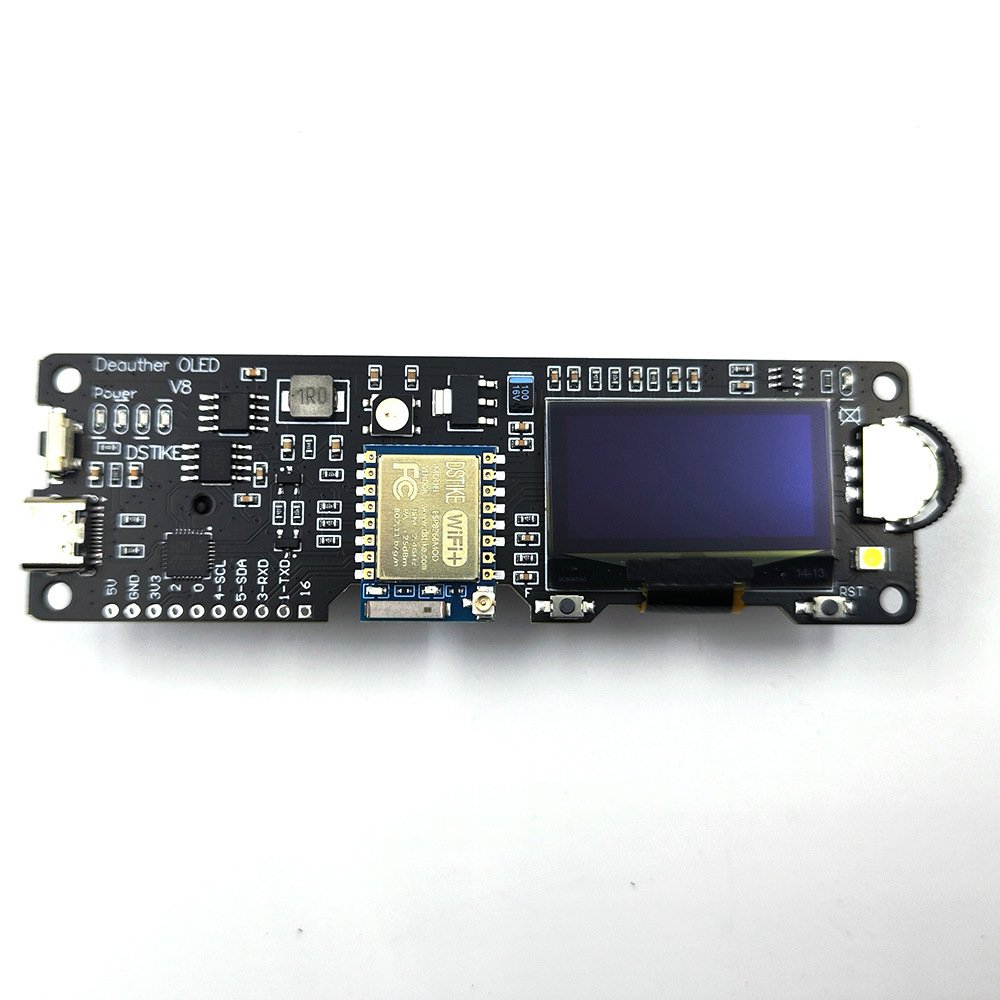
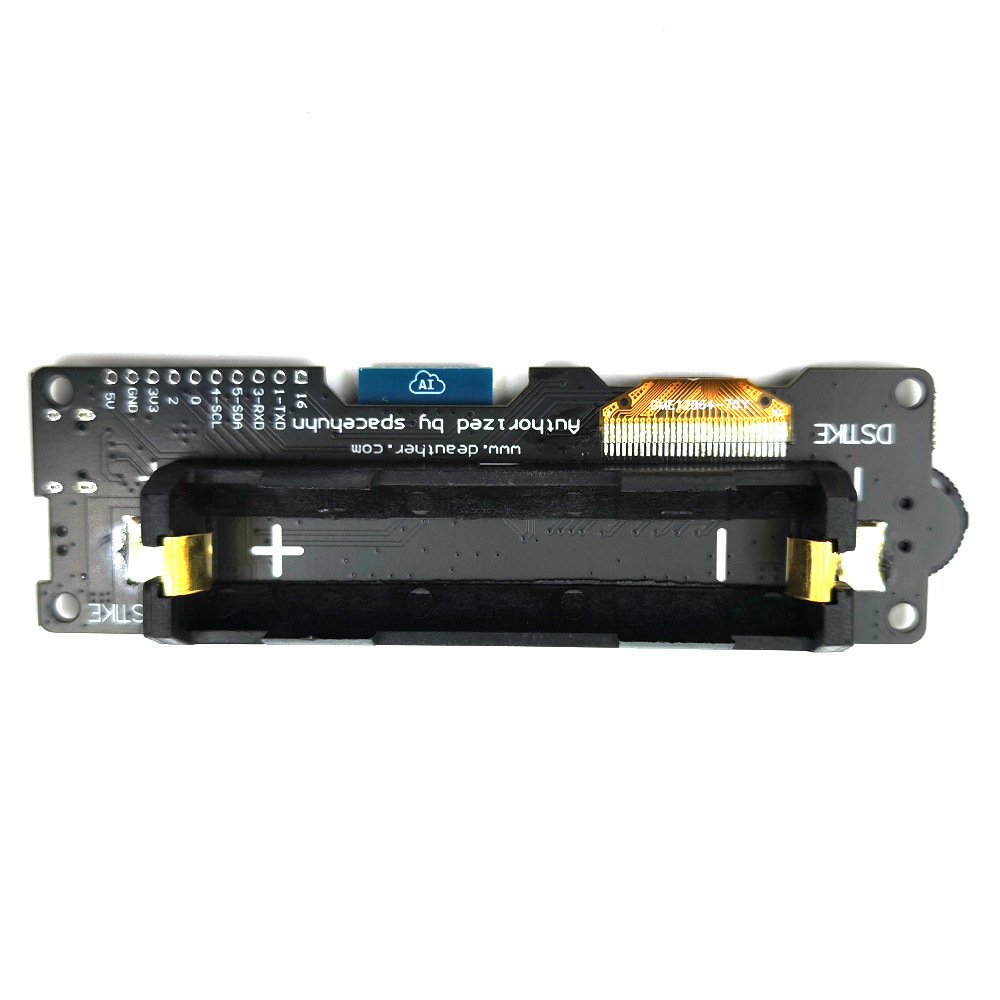
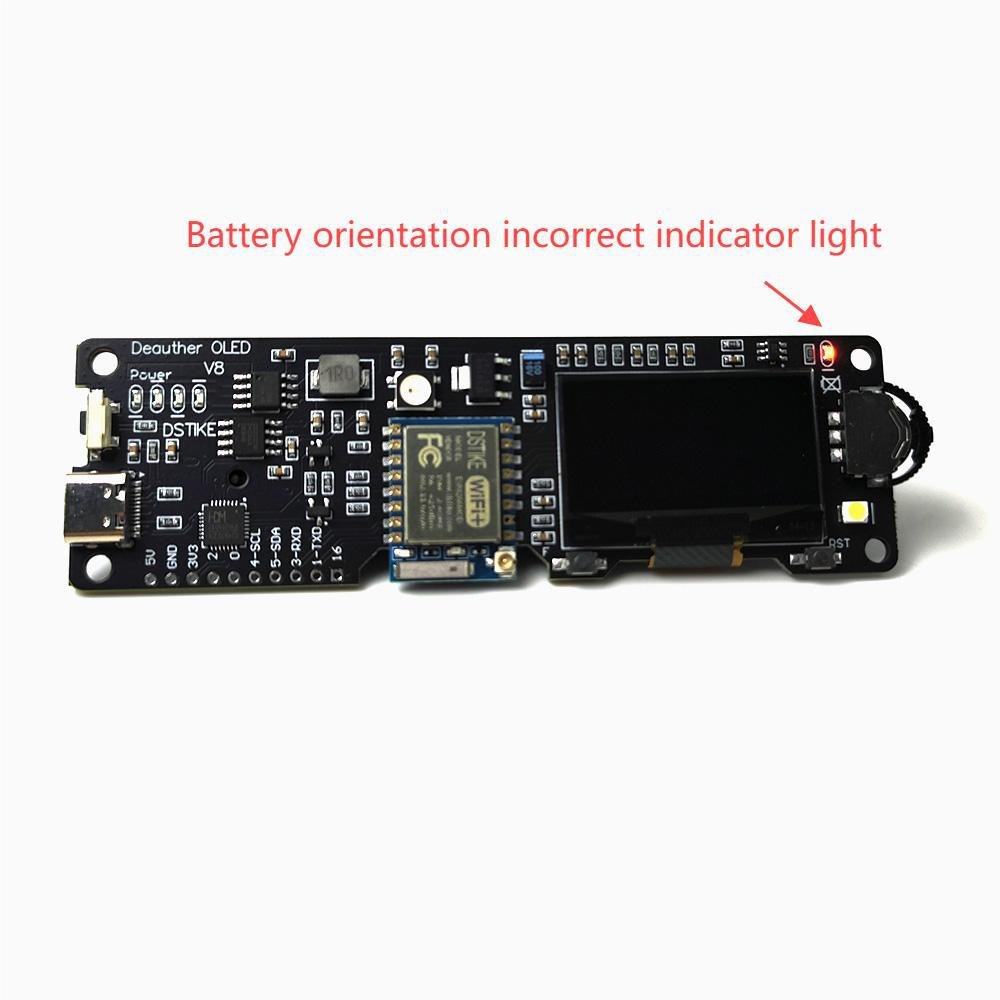
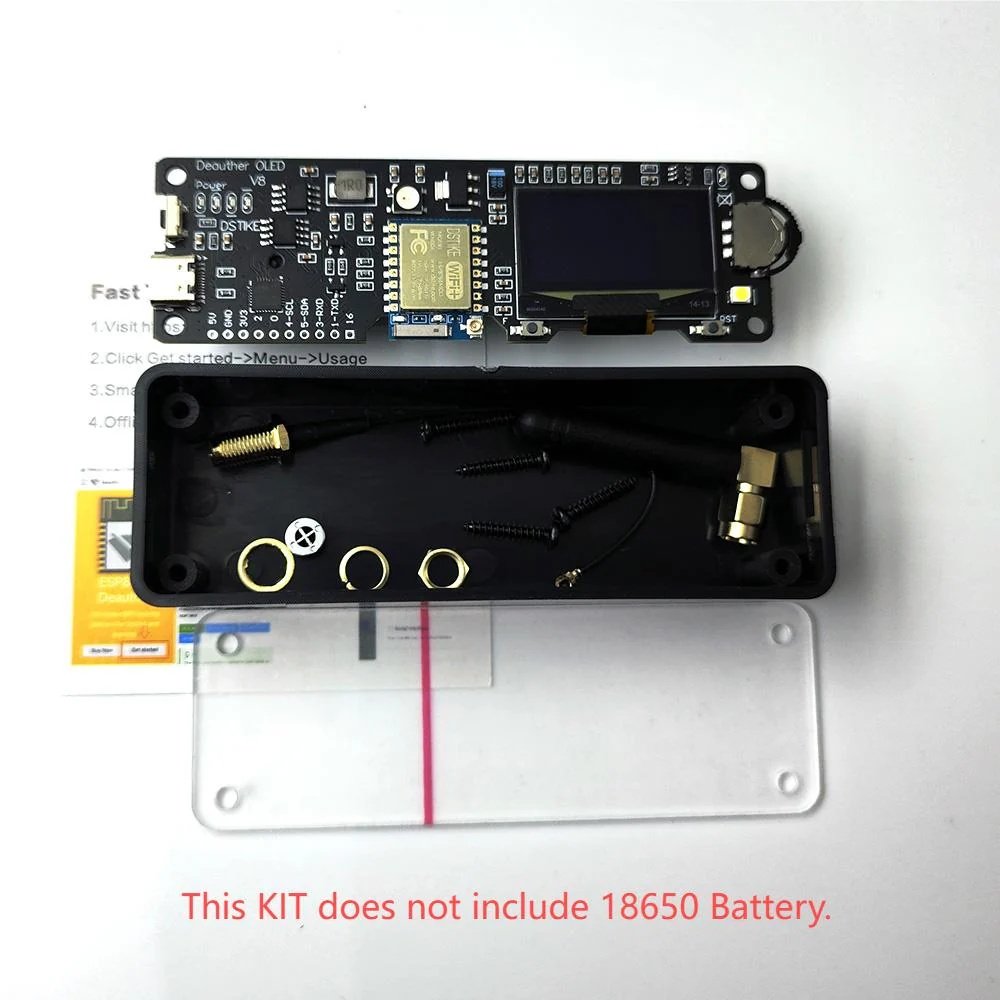
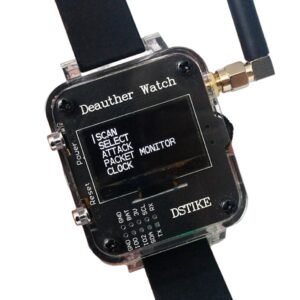
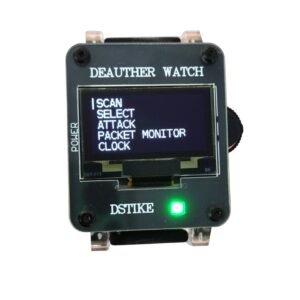
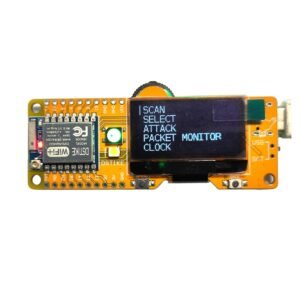
This ESP8266 development board comes with an integrated 18650 charging system, OLED display and a 3 way momentary slide switch.
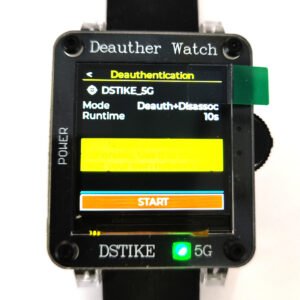
It comes installed with the latest ESP8266 Deauther software. With this software, you can perform different attacks to test WiFi networks.
Please note that the ESP8266 does only support 2.4GHz.
You can also use it to develop your own software. It is simple to use, just like any other ESP8266 development board.
FUNCTION
- Deauther Attack: Disconnect 2.4G WiFi
- Deauther Beacon: Create fake networks
- Deauther Probe:Confuse wifi trackers
- Packet Monitor:Display wifi traffic
- CLock:Real Time Clock Adjustable
GPIOS AND HARDWARE INFO
- Display: SH1106 1.3″ OLED
- Display SDA: GPIO 5 (D1)
- Display SCL/SCK: GPIO 4 (D2)
- WS2812b LED: GPIO 15 (D8)
- Button Up: GPIO 12
- Button Down: GPIO 13
- Button Select: GPIO 14
- Highlight LED: GPIO 16
- RTC: DS3231 (RTC only work when you connect battery)
BREAKOUT PINS:
- GPIO-16
- GPIO-3(RXD)
- GPIO-1(TXD)
- GPIO-5(SDA)
- GPIO-4(SCL)
- GPIO-0
- GPIO-2
- 3.3V
- GND
- 5V
WHY DID YOU MAKE IT?
I designed this development board especially for Spacehuhn’s great project: ESP8266 Deauther. It has been authorized by him and is officially supported.
Thanks to every customer that leaves feedback! I will keep improving this board.
WHAT MAKES IT SPECIAL?
- Only 80~100mA power usage
- Up to 35h of battery life with a 3500mAh 18650 cell
- Charging current: 1A
- 7 GPIO breakouts and 3.3 and 5V output
- 4 LEDs to indicate battery status in real time
- Power button: Click to turn on, double click to turn off
- Protection: short, over charging, over discharging, temperature, polarity
- Added RTC DS3231
- Added Highlight LED controlled by GPIO16
DISCLAIMER
This project is a proof of concept for testing and educational purposes. Neither the ESP8266, nor its SDK was meant or built for such purposes. Bugs can occur!
Use it only against your own networks and devices! Please check the legal regulations in your country before using it. We don’t take any responsibility for what you do with this program.
MORE INFO
Deauth
Closes the connection of WiFi devices by sending deauthentication frames to access points and client devices you selected. This is only possible because a lot of devices don’t use the 802.11w-2009 standard that offers a protection against this attack. Please only select one target! When you select multiple targets that run on different channels and start the attack, it will quickly switch between those channels and you have no chance to reconnect to the access point that hosts this web interface.
Beacon
Beacon packets are used to advertise access points. By continuously sending beacon packets out, it will look like you created new WiFi networks. You can specify the network names under SSIDs.
Probe
Probe requests are sent by client devices to ask if a known network is nearby. Use this attack to confuse WiFi trackers by asking for networks that you specified in the SSID list. It’s unlikely you will see any impact by this attack with your home network.
Nils Johansson –
Well designed.
Henrik Olsson –
Reliable tool.
Mikael Nilsson –
Solid board.
Jonas Larsson –
Good experience.
Olof Karlsson –
Practical.
Lars Bergstrom –
Good value.
Per Andersson –
Helpful.
Sven Eriksson –
Works smoothly.
Quang Do –
Good performance.
Alexandru Tudor –
Everything works as expected.
Ngoc Tran –
Good board for testing ideas.
Minh Pham –
Simple and effective.
Radu Popa –
Nice addition to my electronics toolkit.
Andrei Marinescu –
The board feels well built and durable. No loose parts or issues.
Marius Georgescu –
I used this for a WiFi monitoring project and it worked perfectly. Stable and responsive.
George Stan –
The OLED is bright enough even in daylight. That was a pleasant surprise. Good visibility overall.
Ion Popescu –
I appreciate how everything is integrated into one small board. Makes prototyping easier and faster.
Yahya Abdullahi –
Good experience.
Sadiq Bello –
Stable device.
Ahmed Musa –
Helpful for projects.
Tiago Rocha –
Works well and is easy to use.
Luis Cardoso –
Good for DIY projects and prototyping.
Rui Faria –
Reliable board.
Carlos Esteves –
Good performance overall.
Fernando Pires –
Satisfied with the purchase.
Tobias Frank –
I¡¯ve used several ESP8266 boards and this one stands out because of the display. It¡¯s very convenient.
Marcel Brandt –
Works well with Arduino IDE. Flashing firmware was simple and quick. Everything worked on the first try.
Dennis Beck –
Good for beginners who want to explore IoT development. It¡¯s not overly complicated but still offers enough flexibility. I learned a lot using this.
Sebastian Jung –
The OLED display makes debugging much easier compared to boards without screens. It¡¯s a small feature but very useful.
Moritz Keller –
Nice little board for learning embedded programming. The ESP8266 chip is still very capable for many projects. I like how compact everything is.
Fabian Roth –
This kit exceeded my expectations. The screen is bright and readable. I¡¯ve been able to run multiple experiments without problems.
Saidu Koroma –
Easy to use.
Huy Nguyen –
Reliable.
Stefan Pavel –
Great option for those who want to learn ESP8266 programming. Easy to get started.
Mustafa Suleiman –
Useful kit.
Joao Batista –
I like the combination of features in this board. Very practical.
Hassan Jalloh –
Nice design.
Julian Schneider –
This kit is perfect for learning ESP8266 development. The OLED screen is a nice addition and makes it easier to monitor output. I¡¯ve been using it for small IoT projects and it performs reliably. Definitely a good starter kit.
Tuan Le –
Works properly.
Ricardo Nunes –
The size is compact and fits well into small projects. I like the layout of the board.
Erik Svensson –
Consistent.