
| New Name | Deauther Watch X II | Deauther Watch Y | Deauther Watch Z |
|---|---|---|---|
| Battery | 700mAh | 1000mAh | 1000mAh |
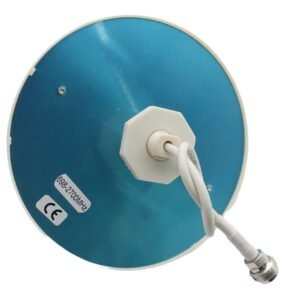
| Antenna Range | 30–50m | 80–100m | 80–100m |
| Color | Black | Black | Black |
| USB | USB-C | USB-C | USB-C |
| Buzzer | Yes | No | No |
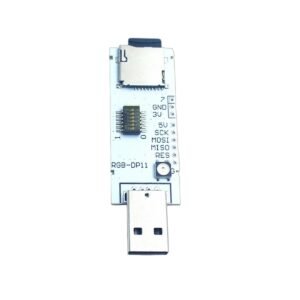
| BadUSB | No | No | Yes |
| TF Card | No | No | Yes |
| Work Time | 7–8h | 9–10h | 9–10h |
| Weight | 62g | 80g | 99g |
| Size (L × W × H mm) | 60 × 50 × 25 | 80 × 50 × 25 | 80 × 70 × 25 |
What is it?
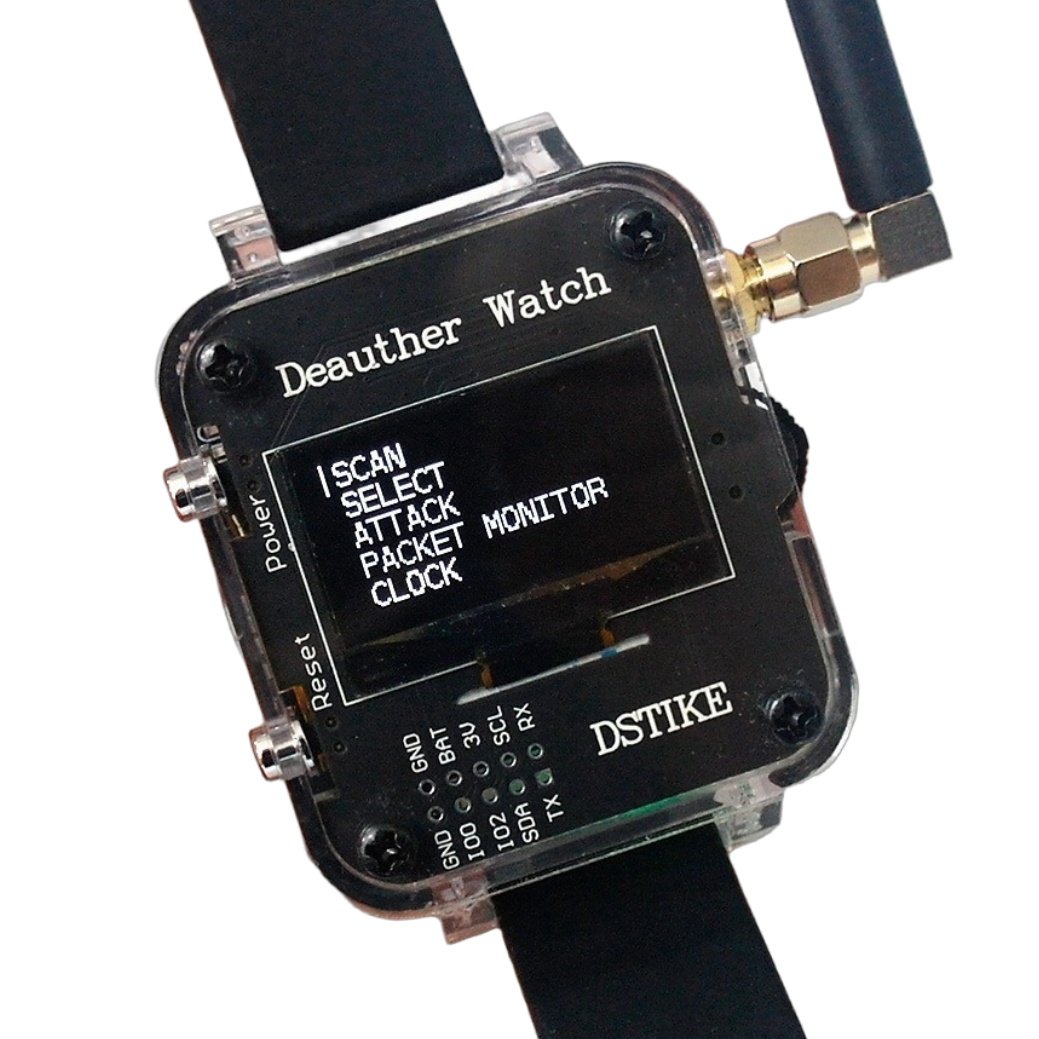
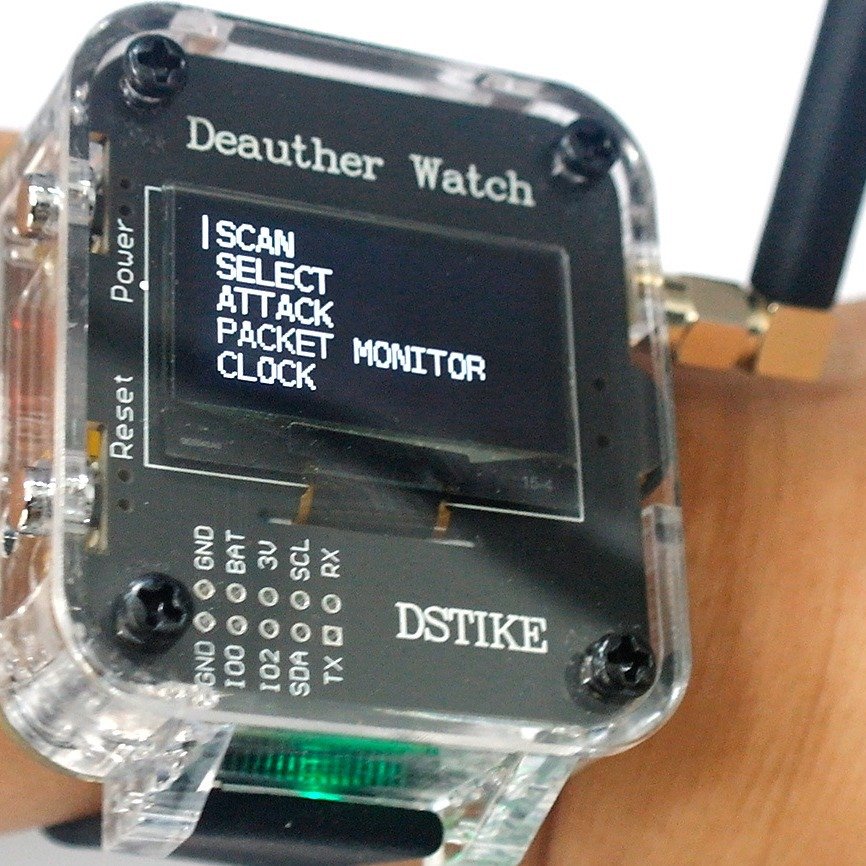
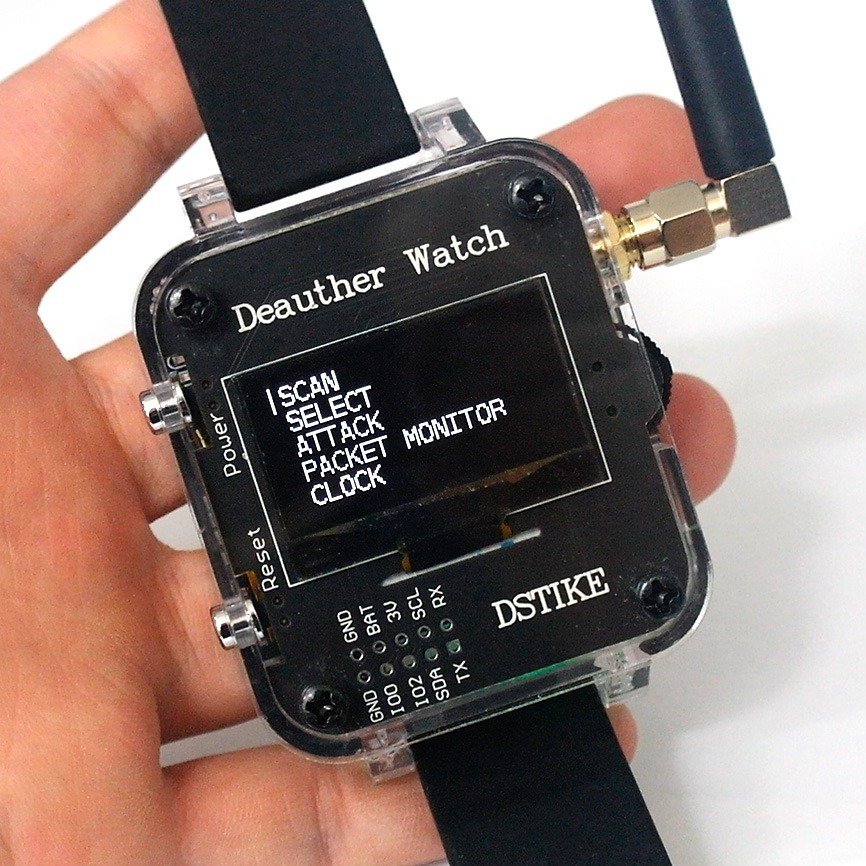
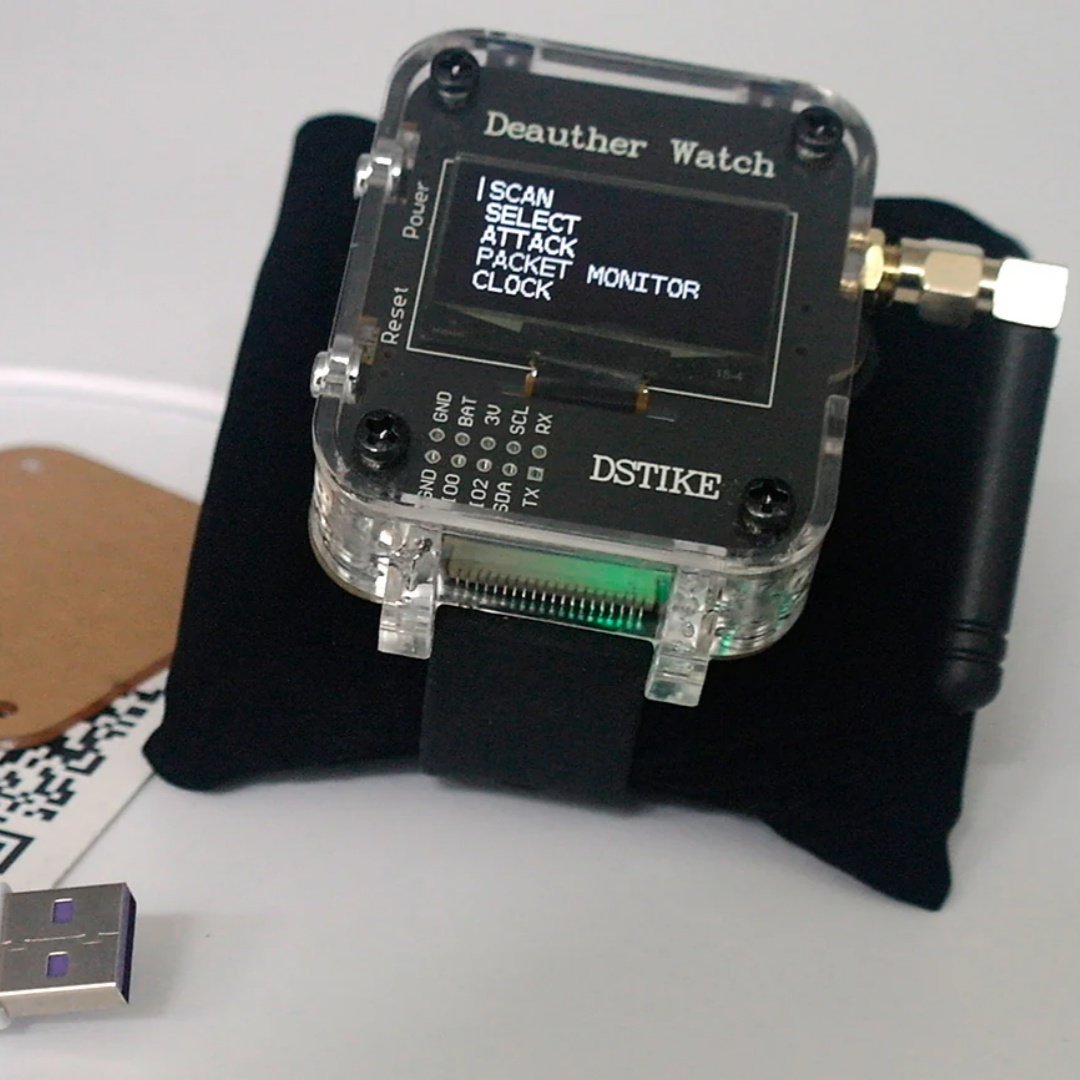
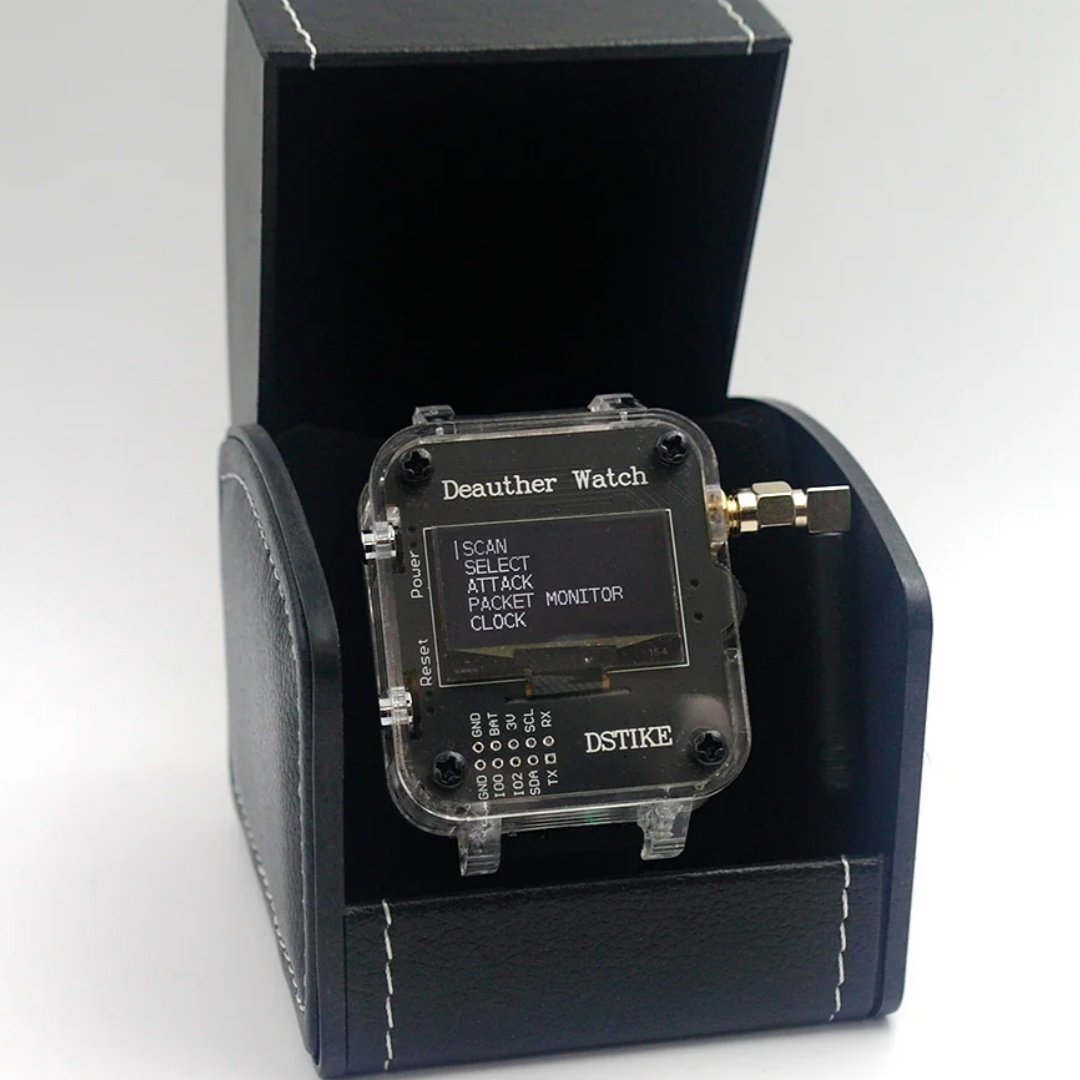
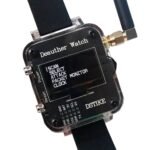
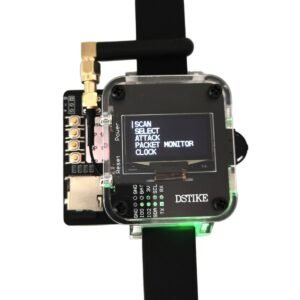
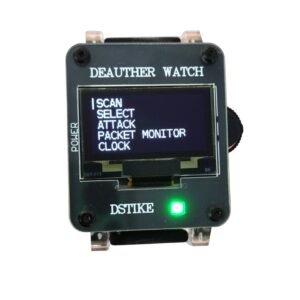
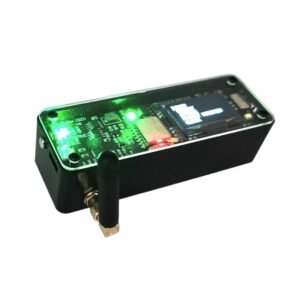
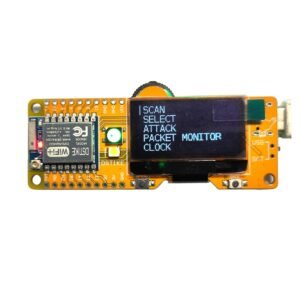
The DEAUTHER Watch Y is a powerful development tool designed for network security enthusiasts and developers. It not only boasts a stylish appearance but also integrates robust WiFi development features. Users can utilize its pad interfaces to connect various sensors and develop custom applications. Whether as an educational tool or for practical projects, the DEAUTHER Watch Y is an indispensable asset.
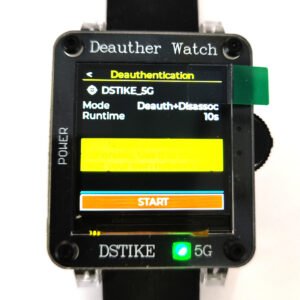
It comes installed with the latest ESP8266 Deauther software. With this software, you can perform different attacks to test WiFi networks.
Why did you make it?
I designed this development board especially for Spacehuhn’s great project: ESP8266 Deauther. It has been authorized by him and is officially supported.
Thanks to every customer that leaves feedback! I will keep improving this board.
Function
- Deauther Attack: Disconnect 2.4G WiFi
- Deauther Beacon: Create fake networks
- Deauther Probe:Confuse wifi trackers
- Packet Monitor:Display wifi traffic
GPIOs and Hardware info
- Display: SH1106 1.3″ OLED
- Display SDA: GPIO 5
- Display SCL/SCK: GPIO 4
- WS2812b LED: GPIO 15
- Button Up: GPIO 12
- Button Down: GPIO 13
- Button Select: GPIO 14
- Buzzer: GPIO 0
What makes it special?
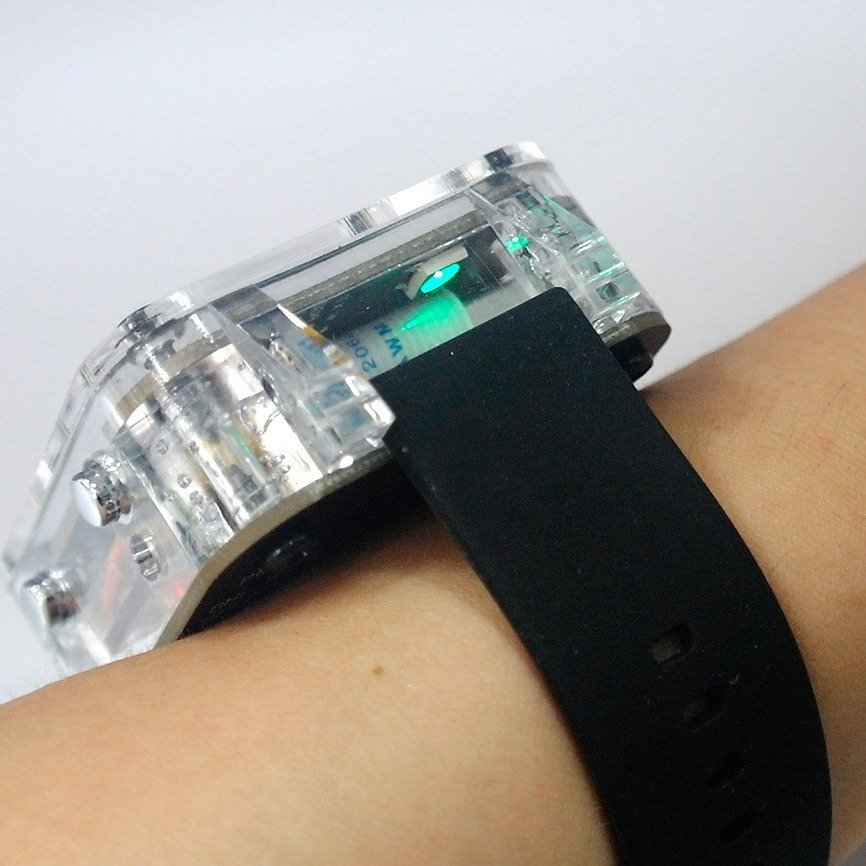
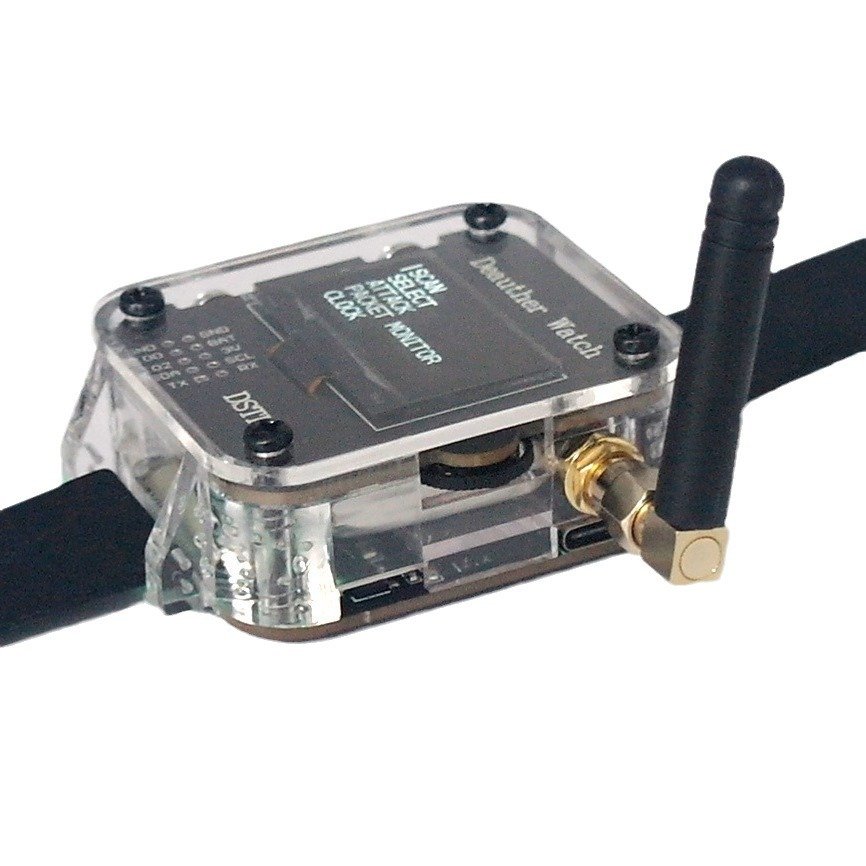
- Transparent Case
- Soft sillica gel strap
- 1000mAh Battery
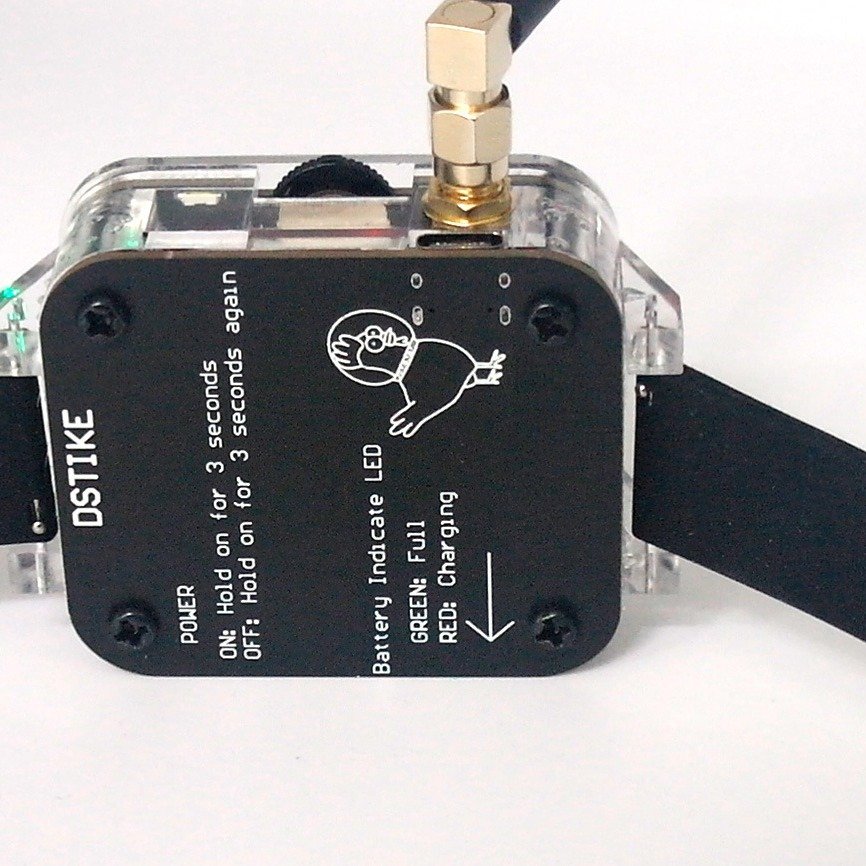
- Indicate charging LED (RED:Charging,GREEN:Full.)
- Custom 4MB Flash ESP-07 Inside
- Power Switch (Press 2seconds to turn ON/OFF)
- Protection: short, overcharging, over discharging, temperature
Disclaimer
This project is a proof of concept for testing and educational purposes. Neither the ESP8266, nor its SDK was meant or built for such purposes. Bugs can occur!
Use it only against your own networks and devices! Please check the legal regulations in your country before using it. We don’t take any responsibility for what you do with this program.
Attention
Please note that the ESP8266 does only support 2.4GHz. RTC chip inside could work after you turn off the watch. When the WiFi chip’s indicator light is off, please charge it promptly. Deauther work time could be adjusted in the settings. Please read https://deauther.com/docs/category/usage carefully first.
More Info
Deauth
Closes the connection of WiFi devices by sending deauthentication frames to access points and client devices you selected. This is only possible because a lot of devices don’t use the 802.11w-2009 standard that offers a protection against this attack. Please only select one target! When you select multiple targets that run on different channels and start the attack, it will quickly switch between those channels and you have no chance to reconnect to the access point that hosts this web interface.
Beacon
Beacon packets are used to advertise access points. By continuously sending beacon packets out, it will look like you created new WiFi networks. You can specify the network names under SSIDs.
Probe
Probe requests are sent by client devices to ask if a known network is nearby. Use this attack to confuse WiFi trackers by asking for networks that you specified in the SSID list. It’s unlikely you will see any impact by this attack with your home network.
For educational and research purposes in controlled environments only.
Zhang Rui –
Satisfied.
Chen Wei –
Good device.
Budi Santoso –
No issues so far.
Elena Georgescu –
Nice tool.
Raluca Ionescu –
Reliable.
Ana Popescu –
Good overall performance.
Marija Petrovic –
Compact size makes it convenient.
Lars Nyberg –
It¡¯s been useful for testing WiFi-related scenarios in a controlled way. Easy to operate after some practice.
Jonas Ekstrom –
Hardware is solid and feels well built. I¡¯ve used it multiple times without issues.
Nils Andersson –
I like the open-source community around this device. There¡¯s a lot of support and shared knowledge.
Erik Lundqvist –
No complaints.
Mykola Hnatyuk –
Works fine after setup.
Taras Bondar –
The UI is basic but does the job. Performance is stable.
Oleh Marchenko –
Nice balance between usability and functionality.
Gianni Vitale –
Interesting device.
Fabio Marchetti –
Reliable performance.
Matteo Rinaldi –
Works as described.
Lorenzo De Santis –
Good learning tool.
Enzo Lombardi –
Nice design and easy to carry.
Declan Byrne –
I¡¯ve been using it in my personal lab to understand network behavior better. It¡¯s been very helpful so far.
Patrick Doyle –
Works well as a learning platform for wireless communication. The menu system is easy to navigate after some use.
Liam O¡¯Connor –
A great tool for tech enthusiasts who enjoy tinkering. It¡¯s not polished like consumer devices, but that¡¯s expected.
Sean Kavanagh –
I like how customizable this device is. You can really learn a lot by modifying the firmware and testing different setups.
Darren Walsh –
It took me some time to understand all the features, but once I did it became very useful. Great for educational purposes and hands-on practice.
Neil Donnelly –
Compact and portable, which makes it easy to carry around. I¡¯ve been using it for development experiments and it performs consistently.
Mehdi Ben Youssef –
Lightweight and functional. I keep it in my toolkit for quick testing.
Nur Aisyah –
The documentation online helps a lot. Once you follow the guides, everything works as expected.
Petra Novak –
Nice for experimenting and learning new things. It¡¯s a fun gadget if you enjoy tech.
Andriy Lysenko –
Good value for the price.
Sergio Dominguez –
Battery life is sufficient for testing sessions.
Yassine El Idrissi –
Satisfied overall.
Ronan Blake –
I got this mainly to explore IoT security concepts and it works quite well. The interface is simple but effective. After a bit of setup, I was able to run different tests smoothly.
Siti Rahmah –
Useful.
Victor Alvarez –
Build quality is decent and buttons are responsive. The screen is clear enough for navigation.