
You are deep into a precision carving project or polishing a tight metal corner. You press the sanding drum against the workpiece, and the rotary tool immediately bogs down. Or worse, it cuts out completely, only spinning if you aggressively tap the plastic housing.
A sudden loss of power in a high-speed rotary tool rarely means the motor is permanently dead. These tools operate at blistering speeds—often pushing 35,000 RPM. At that velocity, the internal 90930-04 carbon brushes literally vaporize over time. Replacing them is the cheapest, fastest way to get your tool back on the workbench.
1. The 35,000 RPM Reality: Why Brushes Fail
Unlike a standard cordless drill spinning at 1,500 RPM, a rotary tool relies on extreme velocity rather than raw torque. The carbon brushes inside press directly against the spinning copper commutator to deliver electrical current.
Friction is the enemy here. After 50 to 60 hours of active carving, cutting, or grinding, the graphite blocks simply wear down to the spring wire. When the brush loses physical contact with the armature, the electrical circuit breaks. The tool dies. If you push a heavily worn brush too hard, it starts bouncing off the commutator, creating severe electrical arcing that can melt the internal plastic housings.
2. Diagnostic: Is It the Brushes or the Switch?
Before tearing the tool apart, perform a quick physical diagnostic to confirm brush failure:
- The Tap Test: Turn the power switch on. If nothing happens, firmly tap the side of the tool near the rear vents with the handle of a screwdriver. If the motor briefly jumps to life, your brushes are worn out and hanging up inside their brass chutes.
- Load Stalling: The tool sounds normal in the air, but the RPM drops drastically the second you apply pressure to cut or sand.
- Excessive Sparking: Look through the rear ventilation slots while the tool runs. A small blue spark is normal. A bright orange, sputtering fireworks display means the brushes are failing.
3. The Fix: Rebuilding vs. Replacing the Tool
Tool manufacturers are happy to sell you a brand-new $100 rotary kit when your old one stalls. Do not fall for it. The Premium Aftermarket 90930-04 Carbon Brush Kit costs a fraction of a new tool and installs in two minutes. Engineered from a high-density copper-graphite blend, these replacements are specifically formulated to withstand the thermal load of 4000, 3000, and 395 series variable-speed tools.
4. Installation and the Critical “Break-In” Protocol
Replacing the brushes is simple: unscrew the two plastic caps on the side of the tool, pull out the old springs, and drop the new ones in. But how you start the tool afterward determines how long the new brushes will last.
- Clean the Port: Blow compressed air into the open brush holes to remove residual carbon dust before dropping the new parts in.
- Check the Curve: The tip of a new brush is perfectly flat. The motor commutator it presses against is a cylinder. If you immediately start grinding metal, only a microscopic line of the brush touches the spinning copper, causing massive heat buildup.
- Run Free-Load: Turn the tool on to a medium speed setting (around 15,000 RPM) and let it run freely on your workbench for 5 solid minutes. Do not cut anything. This gently shapes the flat graphite face into a perfect curve, maximizing the electrical contact patch.
5. Rotary Tool Powertrain Troubleshooting Q&A
How often should I change my rotary tool brushes?
Check them every 50 hours of active use. Remove the brush and look at the graphite block. If the block measures less than 1/8 inch (about 3mm) long, or if the internal spring is starting to show, replace them immediately.
I replaced the brushes, but the tool still won’t turn on. Why?
If the motor is completely unresponsive with fresh brushes, the issue is usually in the variable-speed switch assembly or a break in the power cord near the strain relief boot. Dust heavily infiltrates the sliding contacts of the speed switch over time.
Can I just replace one bad brush?
Never. Replace them in pairs. A new brush has high spring tension, while an old brush has low tension. Mixing them forces the armature to spin off-center, destroying the internal motor bearings.
Stop working with a stalling tool. Restore your RPMs today.
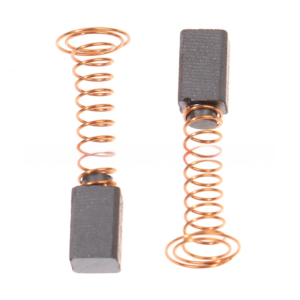
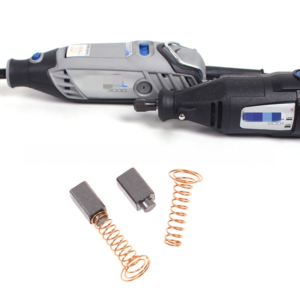
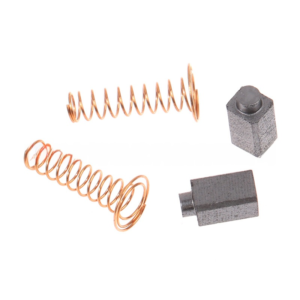
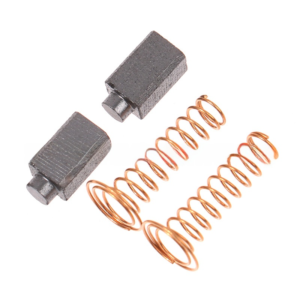
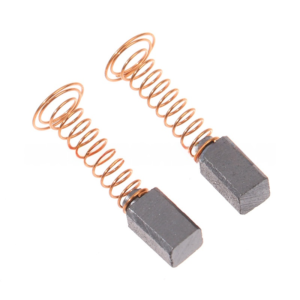
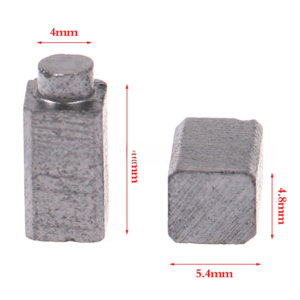
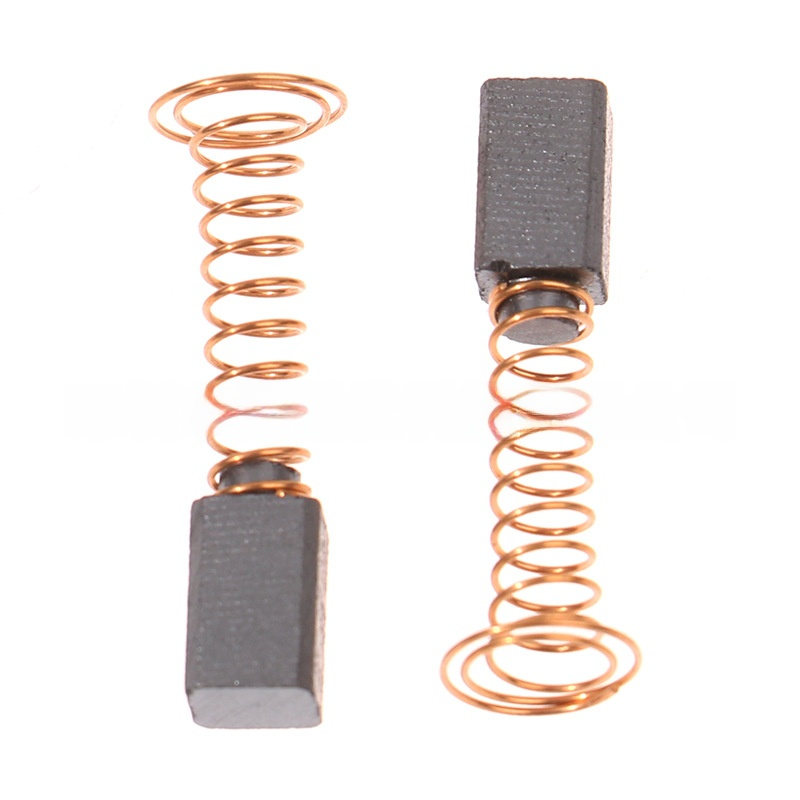
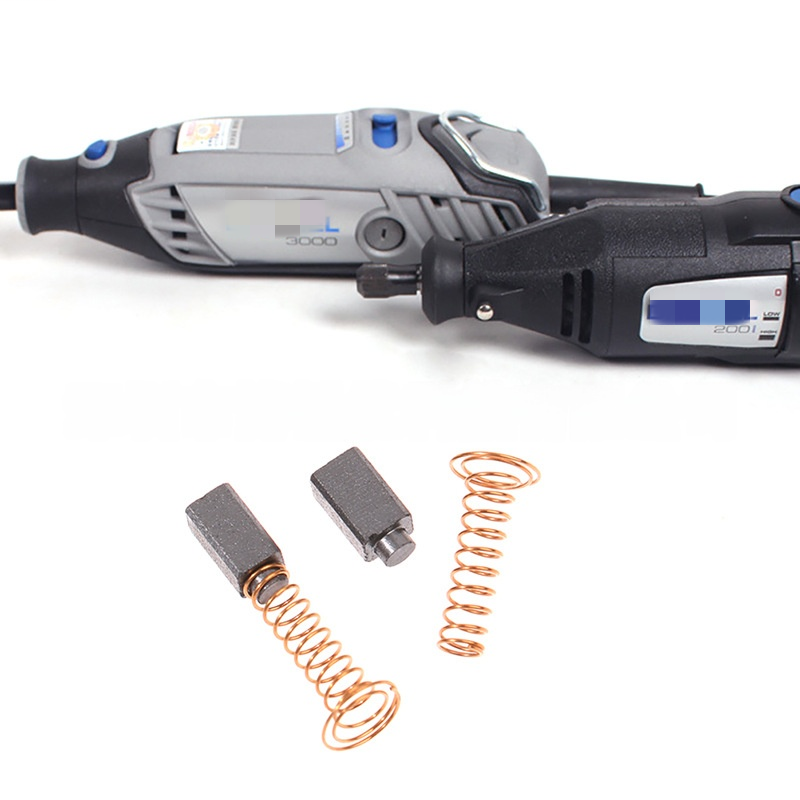
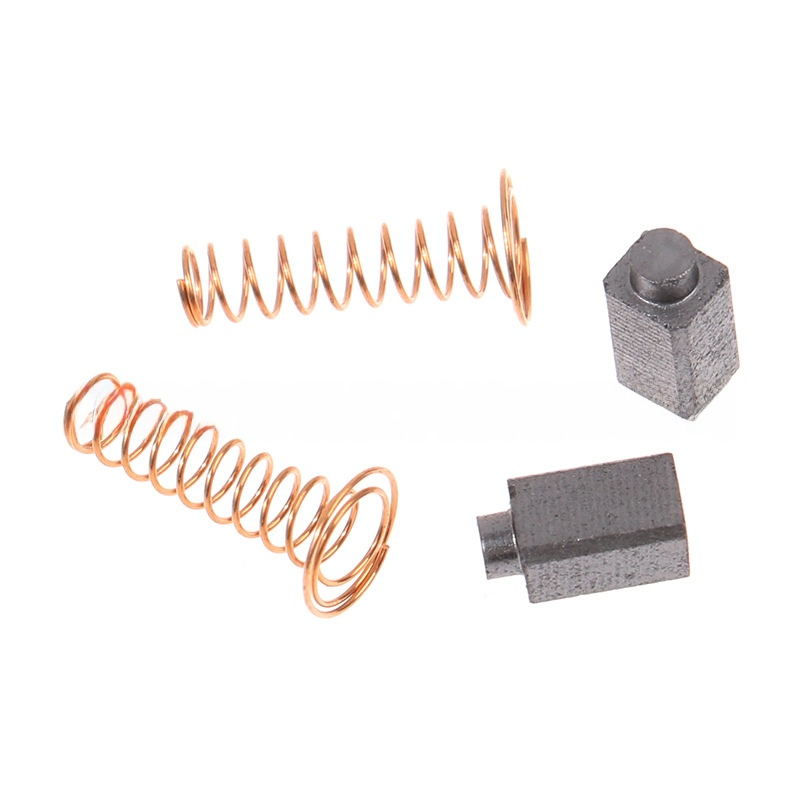
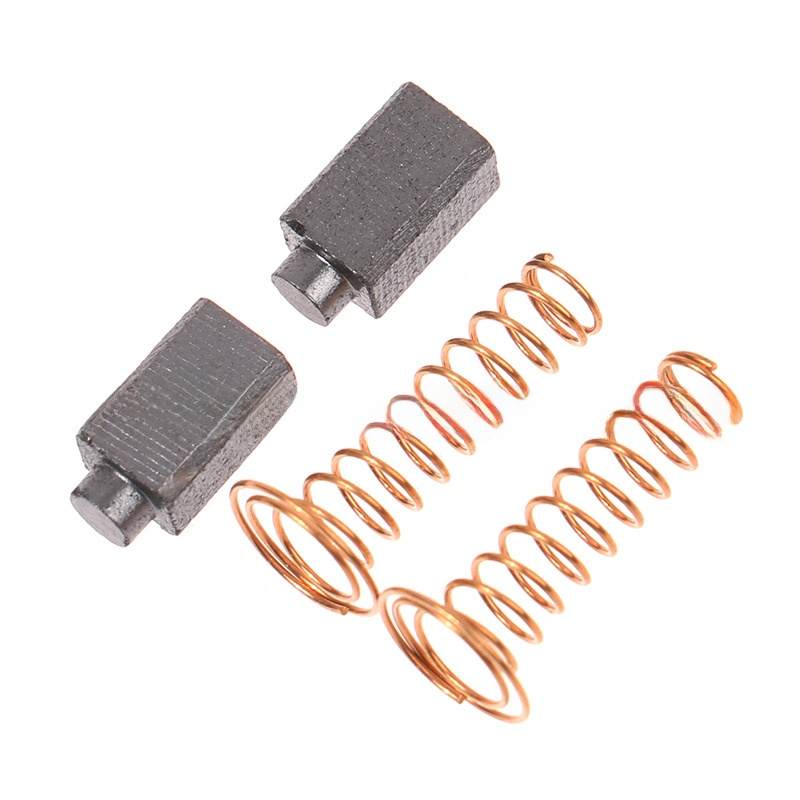
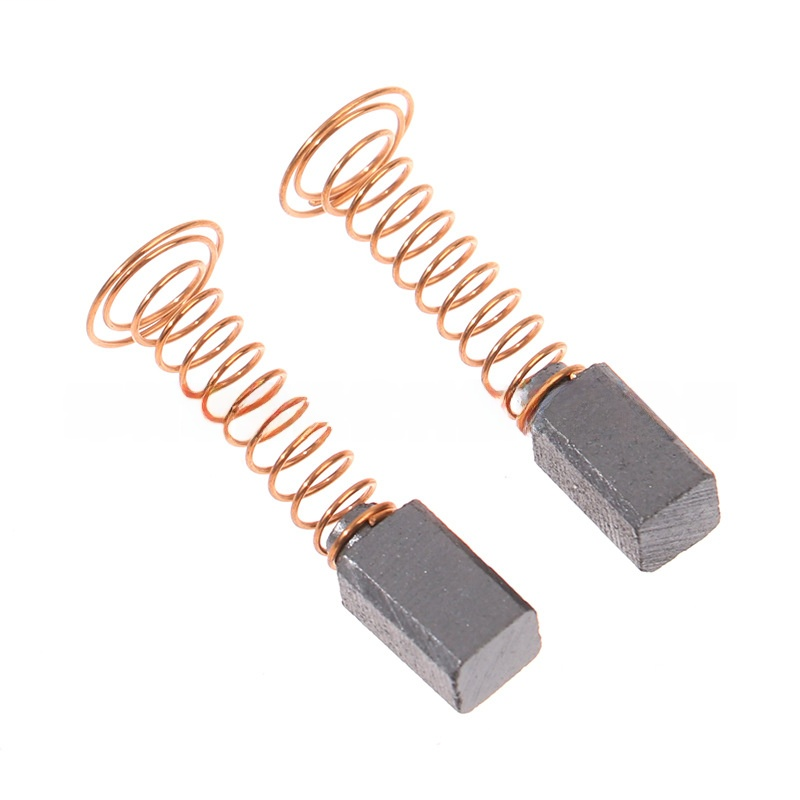
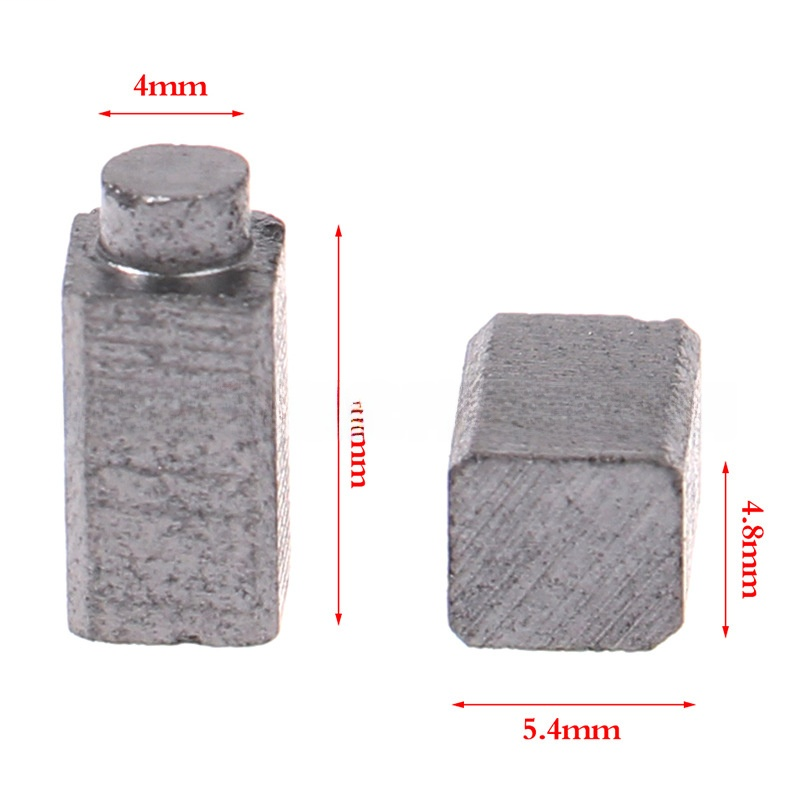
Premium Aftermarket 90930-04 Motor Carbon Brushes Compatible with Rotary Tools 4000 3000 395 | FixPartHub
- ✔ Select Your Variant: We offer two specific brush profiles. Choose the 4000 Series Variant (replaces 90930-04 / 2615298790) or the 3000/200 Series Variant from the dropdown menu to perfectly match your tool’s armature.
- ✔ Broad Compatibility: Designed as a direct drop-in replacement for a wide range of variable-speed rotary tools, including models 4000, 6000, 595, 395, 300, 217, 215, and 100.
- ✔ Restore Peak RPM: The perfect, cost-effective fix for a rotary tool that stalls under pressure, runs intermittently when tapped, or emits excessive sparks and burning smells.
- ✔ High-RPM Graphite Compound: Engineered to withstand the extreme friction of 35,000 RPM operation. Crafted from a high-density copper-graphite blend for optimal electrical conductivity and reduced heat buildup.
- ✔ Easy 2-Minute Installation: Features pre-attached heavy-duty copper coil springs and brass contact plates. Simply unscrew the external brush caps, drop these in, and get back to your project.
| Buy More, Save More | Quantity | Discount |
|---|---|---|
| Bulk Discount | 2 | 5% |
| Bulk Discount | 3 – 5 | 10% |
| Bulk Discount | 6 – 19 | 15% |