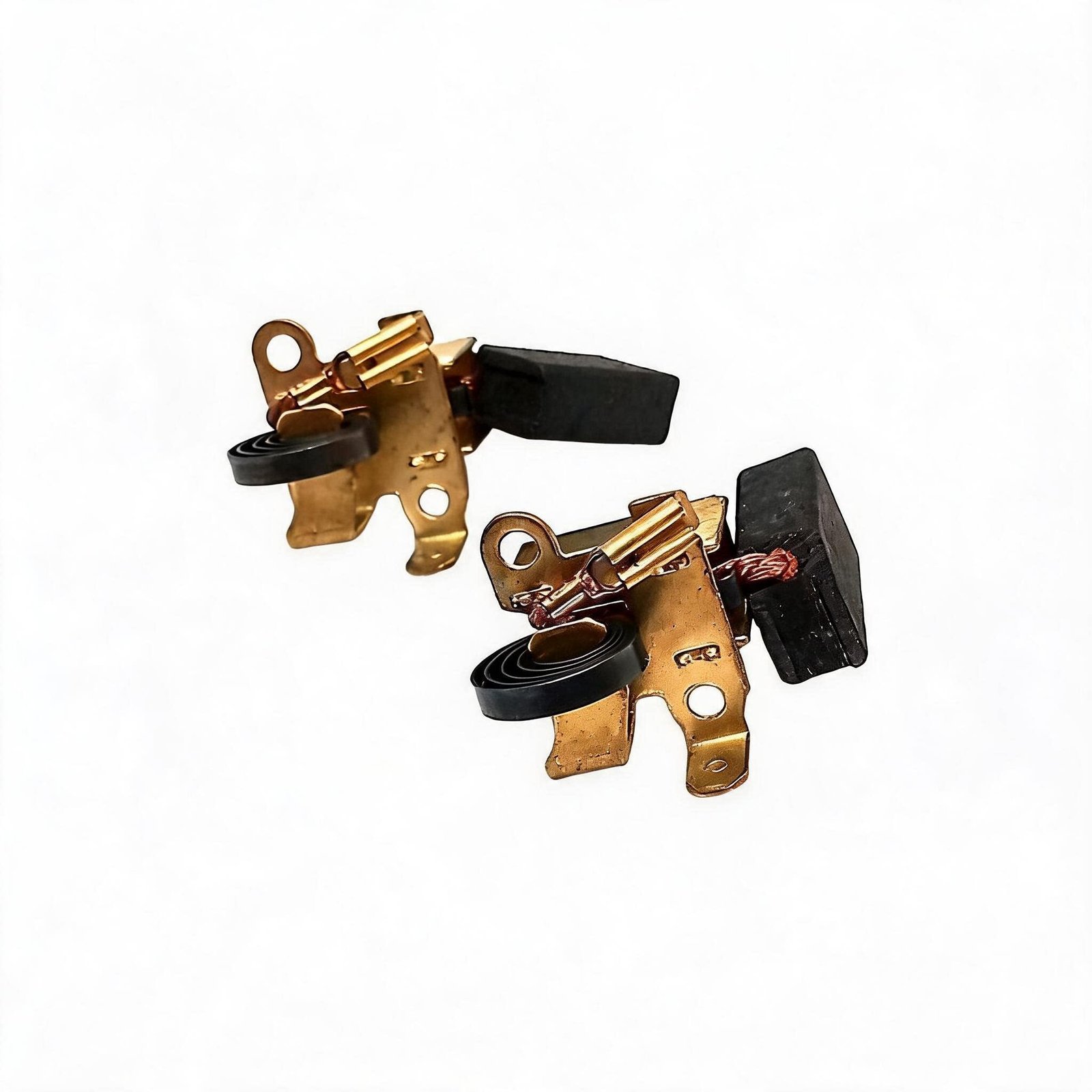
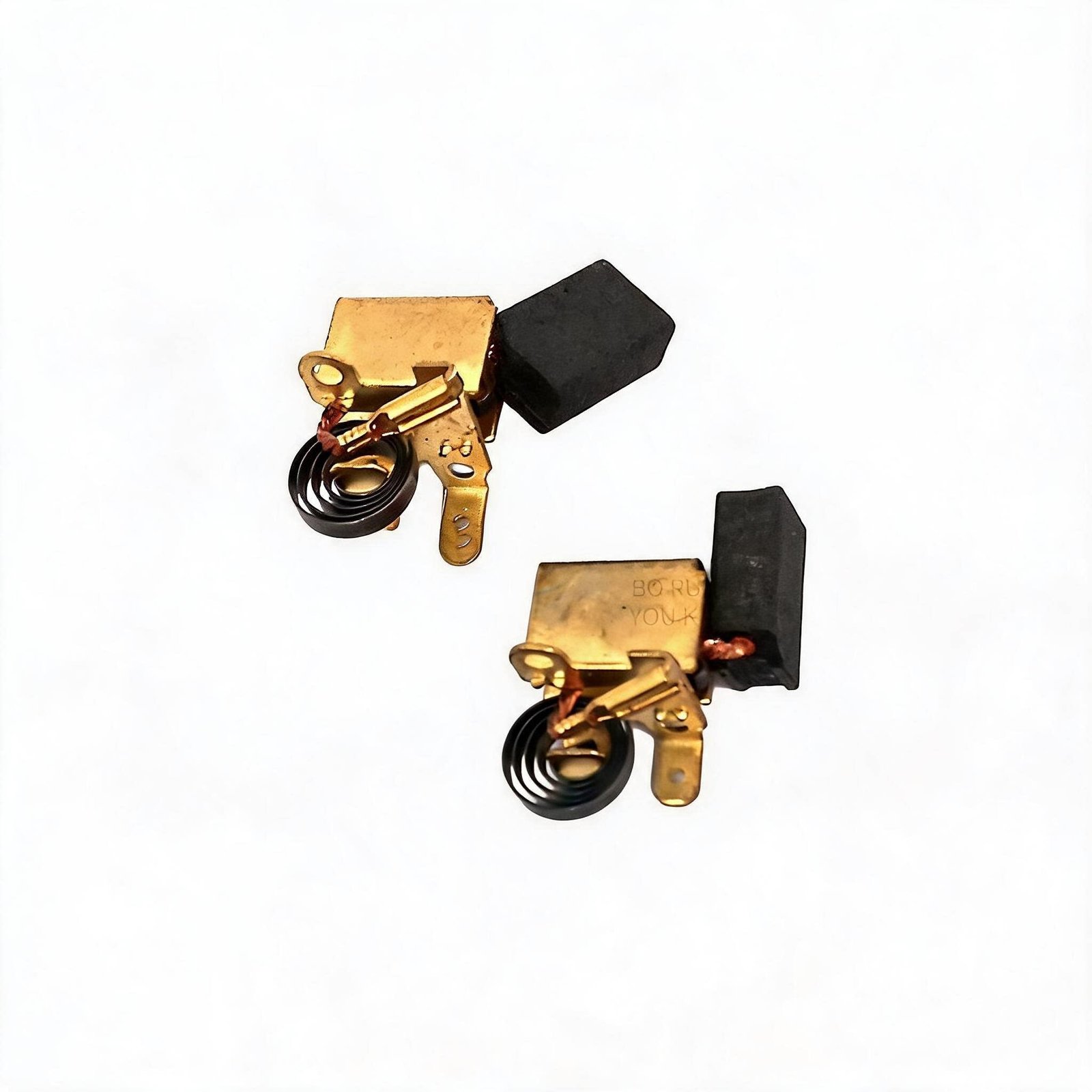
Product Overview
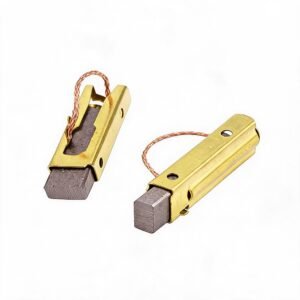
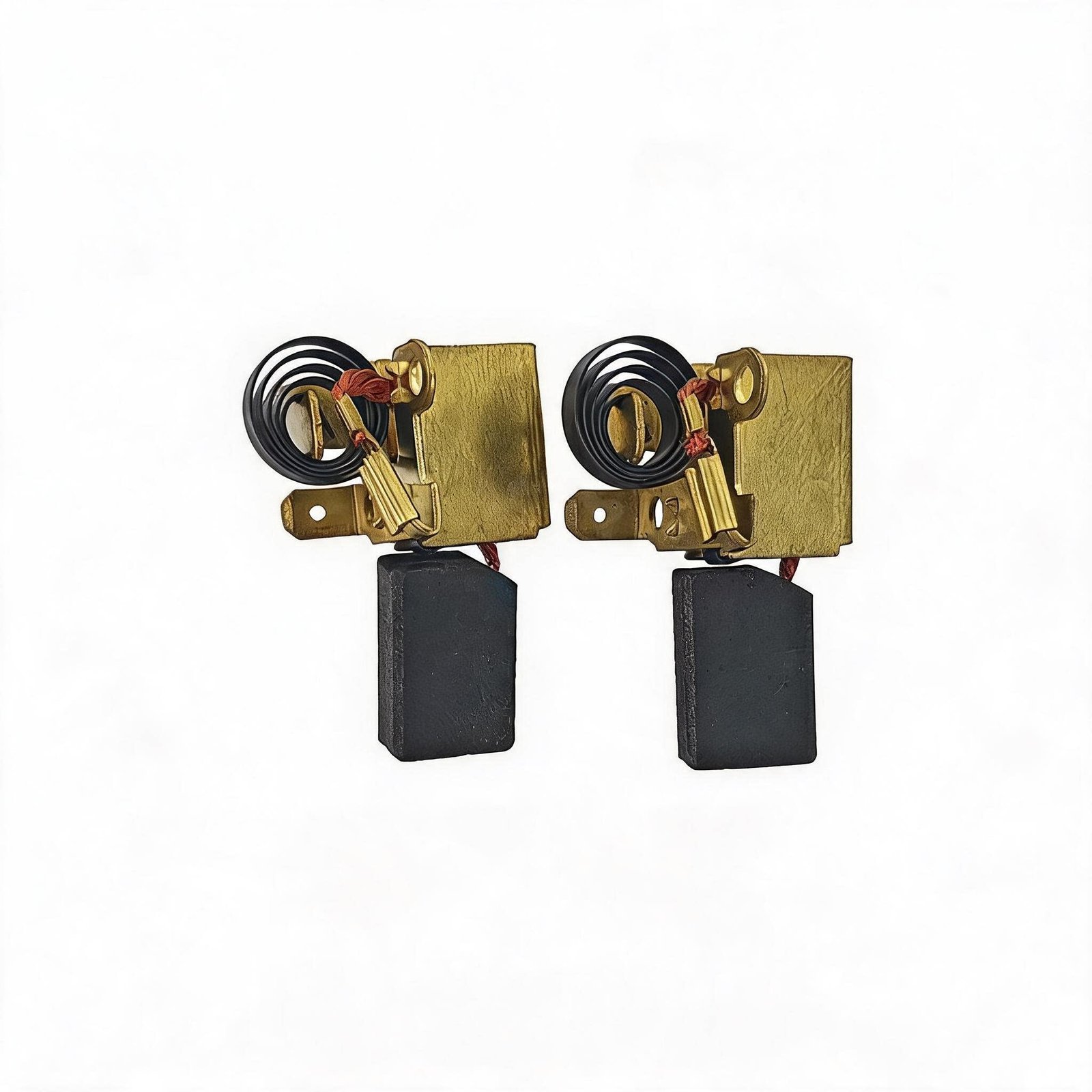
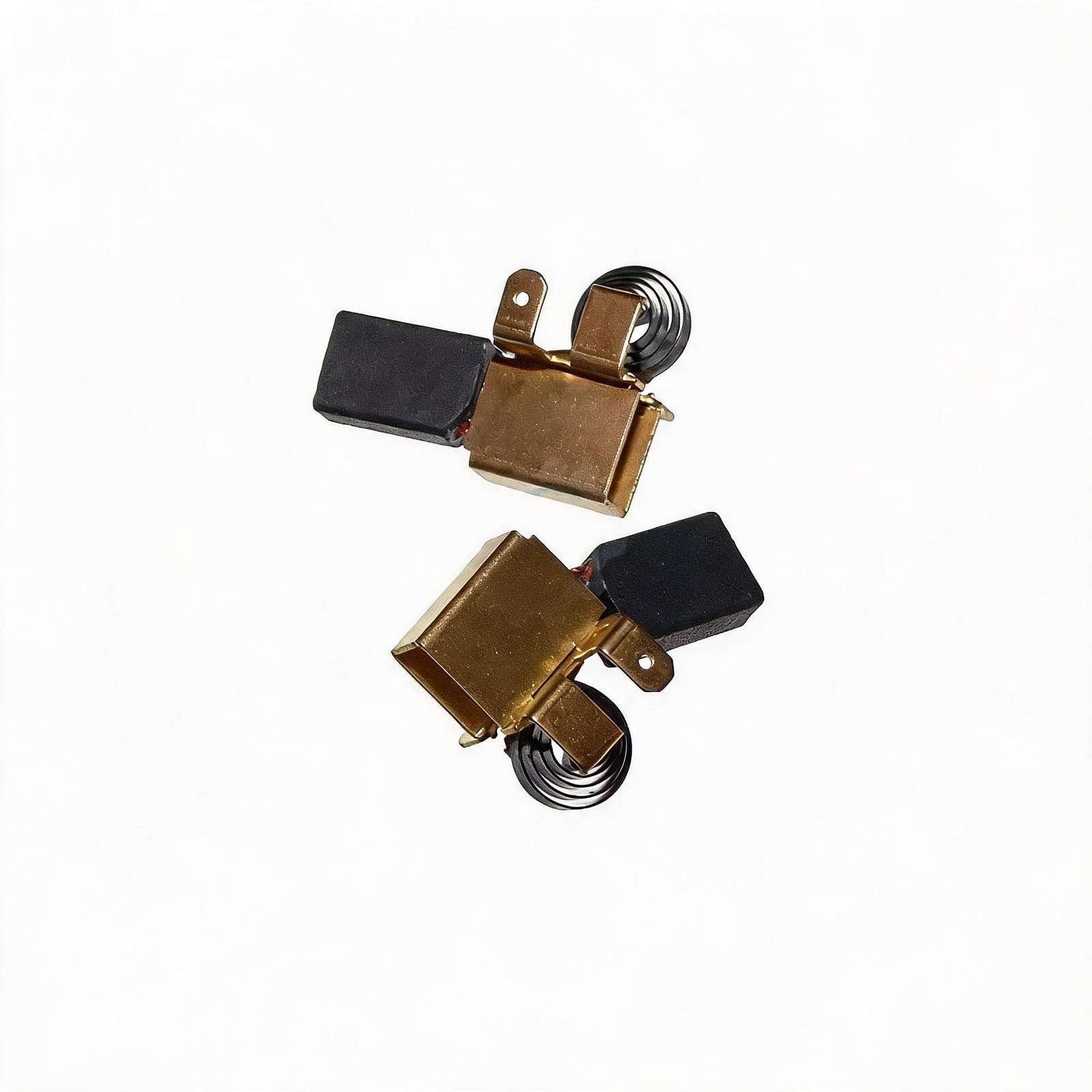
The 1609203V51 Carbon Brush Set is a precision-engineered direct-fit replacement for the motor brushes used in POF 1200 series routers. This matched pair of semi-copper graphite brushes restores factory-spec electrical contact and motor performance to units suffering from worn brushes – a common failure point that manifests as intermittent operation, loss of routing power, or complete motor failure.
Designed for professional repair technicians and equipment maintenance specialists, this brush set is manufactured to the original equipment manufacturer’s specifications with precise dimensional tolerances – 7 x 12 x 18mm per brush. The semi-copper graphite compound delivers superior electrical conductivity, reduced sparking, and extended commutator life compared to generic aftermarket alternatives.
Carbon brushes are consumable components in electric motors. They are designed to wear down over time as they maintain constant contact with the rotating commutator. When they wear beyond their service limit, motor performance degrades – often gradually, making the failure difficult to diagnose without inspection. This 1609203V51 set provides a complete, drop-in solution.
💡 Pro Tip – Pre-Installation Diagnostic: Before replacing the brushes, perform a visual inspection. Remove the brush caps from the motor housing and extract the existing brushes. If the brush length is less than 5mm (approximately 1/4″), or if the contact face is heavily pitted, glazed, or shows uneven wear, replacement is required. Also inspect the commutator surface – if it’s heavily grooved or scored, consider having it turned or replaced. Always disconnect the router from mains power before beginning any inspection or replacement procedure.
Diagnostic & Fitment – When to Replace
Specification Comparison
| Specification | Worn / Generic Aftermarket | FixPartHub Precision Replacement ✅ |
|---|---|---|
| Brush Dimensions | Inconsistent – poor fitment | 7 x 12 x 18mm – OEM-spec |
| Material Composition | Low-grade carbon – high resistance | Semi-copper graphite – superior conductivity |
| Contact Pressure | Inconsistent – arcing and sparking | OEM-spec spring tension – consistent contact |
| Commutator Wear Protection | Abrasive – accelerates commutator wear | Optimized compound – extends commutator life |
| Pair Matching | Individual brushes – uneven wear | Matched pair – balanced performance |
Teardown & Replacement Workflow
Compatibility – Cross-Reference & OEM Part Numbers
Diagnostic Q&A
❓ Q: My router runs intermittently – is this definitely a carbon brush problem?
A: Not always. First, check the power cord and switch for continuity with a multimeter. If these check out, inspect the brushes. Remove the brush caps and extract the brushes – if they’re worn below 5mm or show signs of pitting or glazing, they’re the likely cause. Worn brushes break the electrical contact with the commutator, causing intermittent operation.
❓ Q: What are the exact dimensions of the 1609203V51 carbon brushes?
A: The 1609203V51 carbon brushes measure 7 x 12 x 18mm per brush. Always verify your existing brush dimensions before ordering – while this is the OEM specification for POF 1200 series routers, aftermarket variants may differ.
❓ Q: Do I need to replace both brushes or can I replace just one?
A: Always replace both brushes as a matched pair. Brushes wear together and develop a specific contact pattern against the commutator. Replacing only one brush results in uneven contact pressure, accelerated wear on the new brush, and potential commutator damage. This listing includes a complete pair for this reason.
❓ Q: How often should I replace the carbon brushes in my POF 1200 router?
A: Replacement interval depends on usage. For professional workshop use with daily operation, inspect brushes every 6-12 months. For occasional use, inspect annually. The brushes are designed as consumable components – they should be replaced when the brush length falls below 5mm or when visible wear indicators (if present) show the replacement mark.
Safety Notes
- 🔴 Always disconnect the router from mains power before beginning any brush inspection or replacement procedure.
- ⚡ Allow the motor to cool completely before handling – motors can reach high temperatures during operation.
- 🧤 Wear appropriate PPE – safety glasses and gloves when handling carbon brushes. Carbon dust can be an irritant.
- 📐 Note brush orientation before removal – brushes must be installed in the correct orientation for proper commutator contact.
- 🔧 Inspect the commutator while the brushes are removed – if heavily grooved or scored, have it turned or replaced.
- ✅ Run the router briefly after installation – verify smooth operation with no excessive sparking or unusual noise.
A: Perform a visual inspection. Remove the brush caps from the motor housing and extract the existing brushes. If the brush length is less than 5mm (approximately 1/4″), or if the contact face is heavily pitted, glazed, or shows uneven wear, replacement is required. Additionally, if the router runs intermittently or fails to start, worn brushes are a primary suspect.
A: 1609203V51 is the OEM part number for the carbon brush set specifically designed for POF 1200 series routers. It is dimensionally matched to these routers – 7 x 12 x 18mm per brush – and manufactured to the original equipment manufacturer’s specifications for optimal conductivity and commutator wear protection.
A: Yes. The 1609203V51 carbon brush set is compatible with POF 1200, POF 1200 AE, and GOF 1200 A models. This is the direct OEM replacement for these platforms.
A: Yes – this is recommended. While the brushes are removed, inspect the commutator surface. If it’s dirty or has minor glazing, clean it with a commutator stone or fine sandpaper (400-600 grit). If it’s heavily grooved or scored, the commutator should be turned on a lathe or replaced. Never use emery cloth – it can leave abrasive particles embedded in the commutator.