Diagnostic Data: The Cost of Substandard Teardown Tools
Attempting a logic board swap or battery replacement with cheap, soft-metal screwdrivers is a guaranteed path to hardware destruction. Modern consumer electronics utilize proprietary security fasteners (Torx Security, Pentalobe, Tri-Point) secured with anaerobic threadlockers. When you apply breakout torque using a poorly machined Carbon-V bit, the bit deforms, camming out of the recess and instantly stripping the micro-screw head. Once a 1.2mm motherboard screw is stripped, you are forced to deploy micro-extractors or rotary grinding tools, risking catastrophic damage to the surrounding SMD components and PCB traces.
1️⃣ Stripped Security Fasteners
Low-grade bits deform under pressure, turning star-shaped Torx and Pentalobe recesses into completely smooth, un-turnable circles.
2️⃣ Lost Logic Board Screws
Weak or absent magnetic fields cause microscopic screws to fall into internal battery cavities or short out against exposed motherboard contacts.
3️⃣ Screw Mix-Ups (Cross-Threading)
Failing to organize screws by teardown phase results in driving a 3.0mm long screw into a 1.5mm deep standoff, puncturing the logic board layers below.
Component Evaluation: S2 Tool Steel vs. Cheap CR-V Alloy
| Tool Parameter | Cheap CR-V / Carbon Steel Kits | 150-in-1 S2 Steel Teardown Kit |
|---|---|---|
| Bit Metallurgy | Soft CR-V alloy. Teeth snap off inside TR6 and P2 screw heads. | ✅ Shock-resisting S2 steel. Retains sharp edge geometry under heavy torque. |
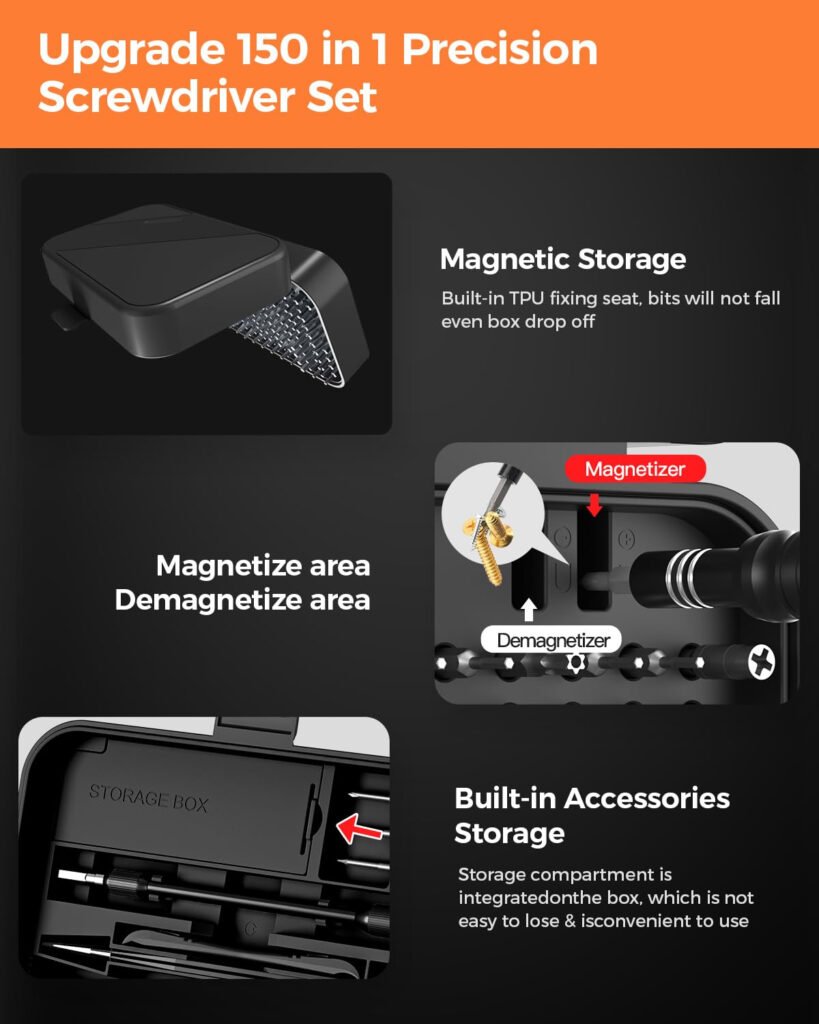
| Magnetic Retention | Weak surface coating. Magnetism decays after minimal use. | ✅ Integrated rare-earth magnetizer block restores flux on demand. |
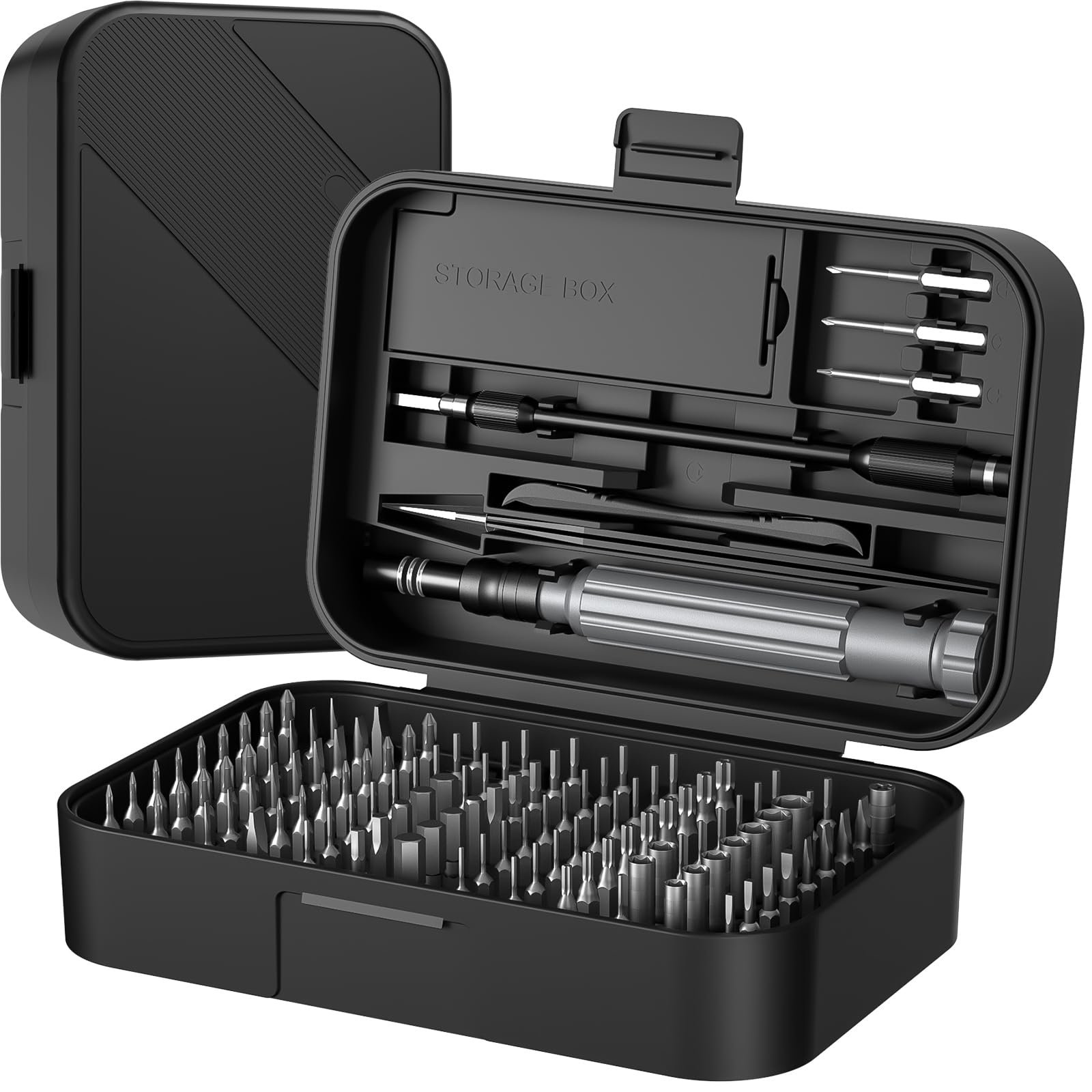
| Organization Matrix | Dump-style box. Screws roll around and mix profiles. | ✅ Built-in compartmentalized memory mat for sequential reassembly. |
Teardown & Organization Workflow
Bit Profiling
Use an illuminated jeweler’s loupe to identify the exact fastener geometry. Seat the S2 bit completely into the recess before applying rotational torque.
Breakout Torque
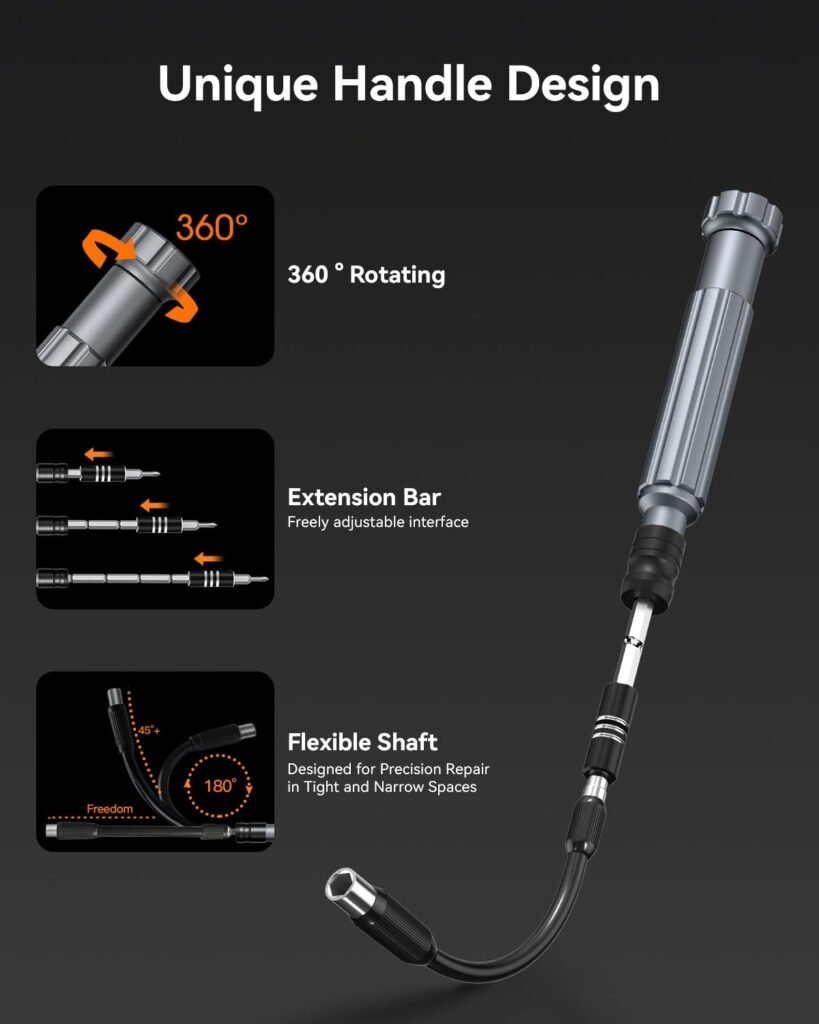
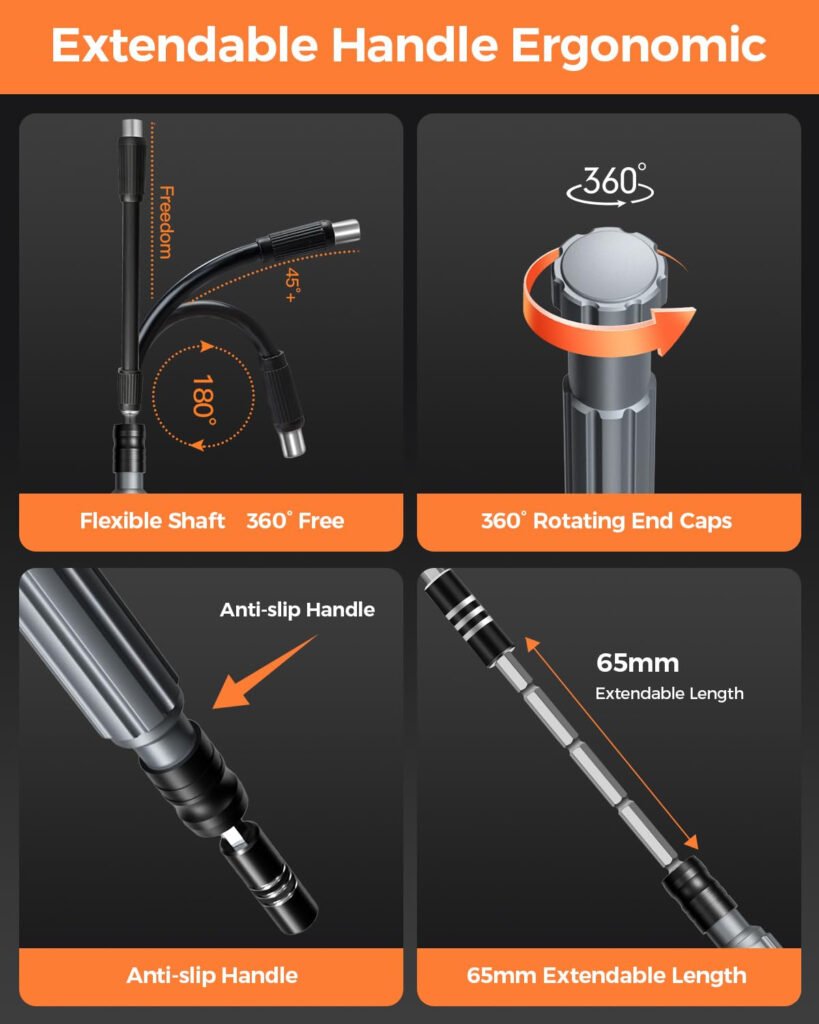
Apply firm downward axial pressure using the free-spinning tail cap in your palm while slowly rotating the driver shaft with your fingers to break the factory Loctite.
Sequential Indexing
As the magnetic bit lifts the screw free, immediately transfer it to the built-in mini organizer tray, grouping fasteners logically by internal component zones.
Reassembly Validation
During rebuild, reverse the tray sequence. Never over-torque micro-screws; tighten until the fastener seats firmly, then stop to prevent tearing the aluminum standoffs.
Fitment & Compatibility Data
Diagnostic Q&A
Safety Notes
- ESD Grounding: Always wear a grounded anti-static wrist strap before using these metal tools inside a live chassis. A single static discharge from your hand through the screwdriver shaft will fry a logic board CPU instantly.
- Battery Puncture Warning: When prying logic boards near glued-in lithium-ion pouch cells, exercise extreme caution. If a driver slips and punctures a battery cell membrane, a violent thermal runaway fire will initiate immediately.
- Torque Limitations: These precision drivers are designed for delicate electronic fasteners. Attempting to use them to pry housings open or applying high-torque mechanical leverage will snap the 4mm driver shaft.
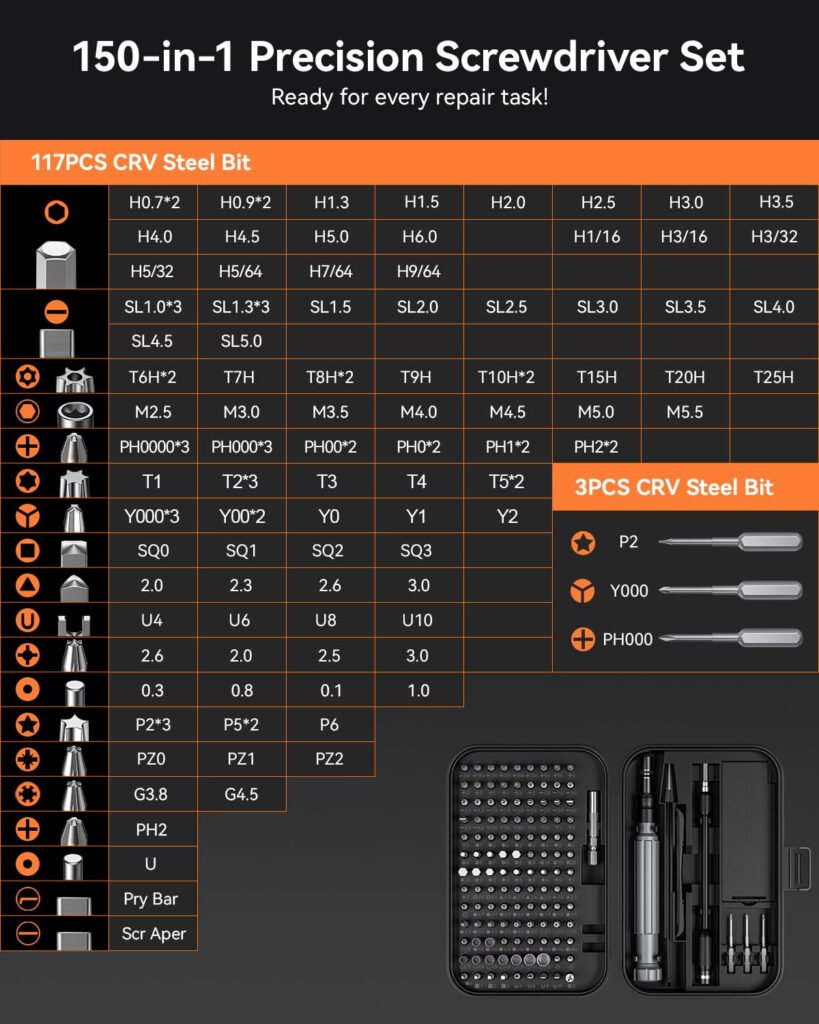
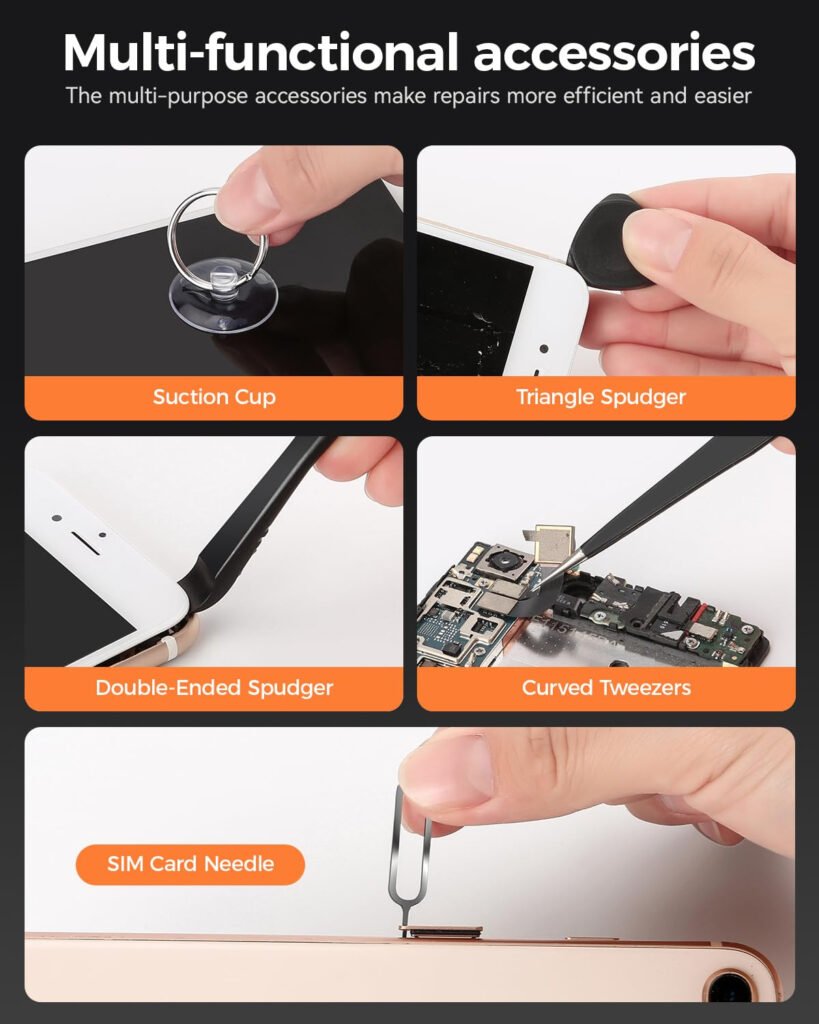
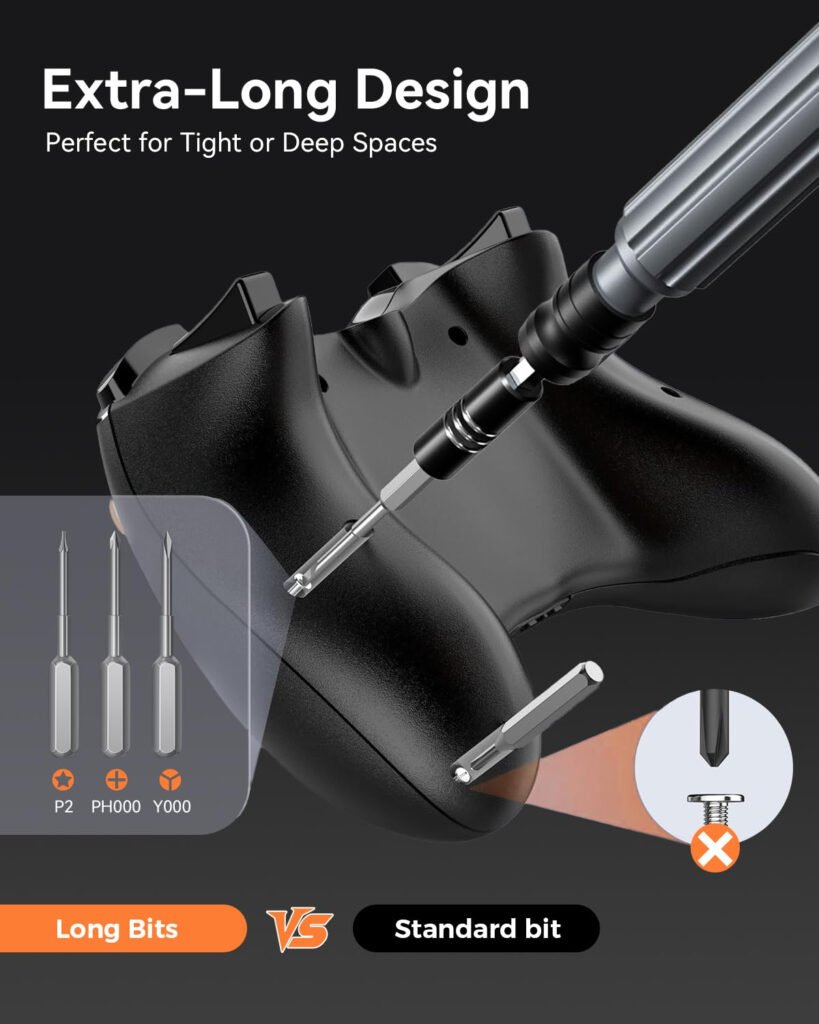
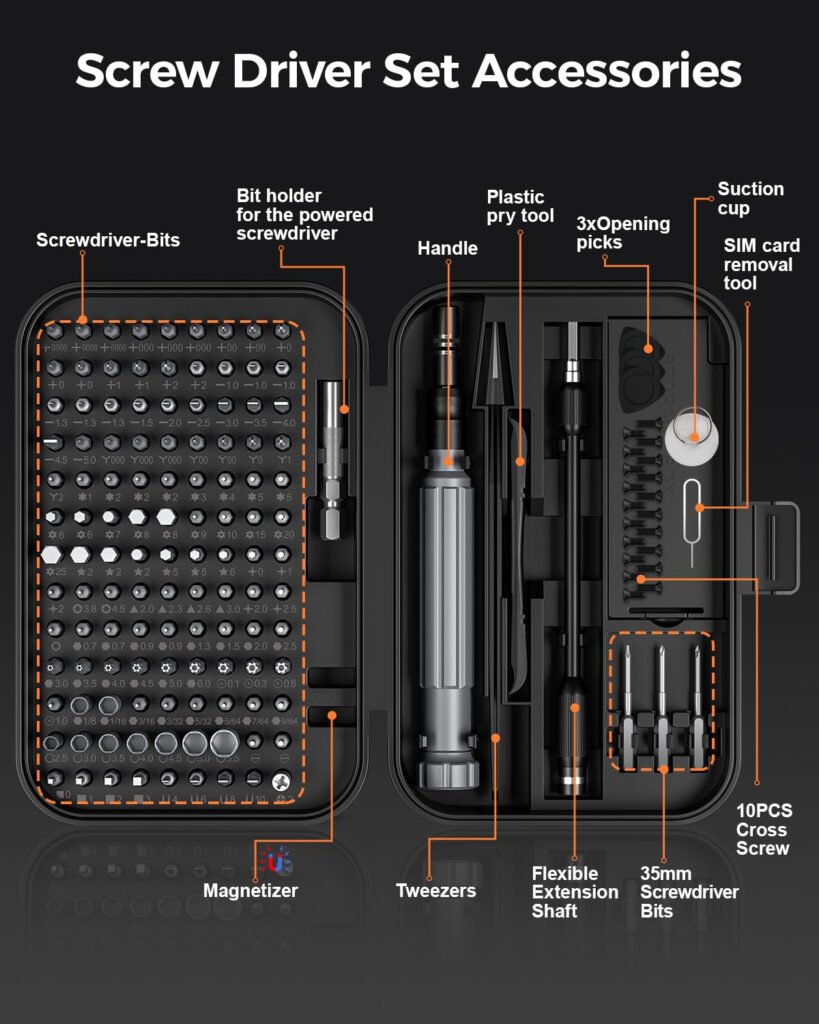
Yes, absolutely. This comprehensive 150-in-1 precision set includes every specialty bit required for modern electronics repair. It features the exact Pentalobe bits needed for iPhones and MacBooks, Tri-wing / Tri-point (Y-type) bits for Nintendo Switch and Joy-Cons, and Torx Security (TR) bits for Xbox and PlayStation consoles, plus dozens of micro-Phillips and flatheads for drones, watches, and eyeglasses.
Yes. Stripping a microscopic screw on a $1,000 motherboard is a nightmare. That is why our bits are CNC-machined for a high-precision fit to prevent cam-out. Additionally, the set features a strongly magnetized driver shaft. This ensures that the moment you break a tiny screw loose, it magnetically sticks to the bit, preventing it from dropping into the dark crevices of your laptop or PC case.
Crucial Repair Pro Tip: Never mix up your screws! Devices like iPhones use screws of slightly different lengths. If you accidentally drive a long screw into a short hole during reassembly, it will grind directly into the logic board and instantly destroy the device (known as Long Screw Damage). Always utilize the built-in mini organizer compartments and magnetic memory mat to map out every single screw exactly as you remove it.